

Remote Instruction Tips and SpeedTECHing Recordings

Remote Instruction Tips
Moving your course online during weather-related disruptions involves more than choosing the right technology tools. The eLearning team can support faculty with instructional planning, course adjustments, and teaching strategies that promote continuity and student engagement. Start thinking through these questions:
- Modify your expectations - what are the essentials that you need to keep?
- Are there due dates or policies that you can relax to accommodate student anxiety?
- Can a test or quiz be an open-book or postponed?
- Use Blackboard announcements to quickly communicate with all students.
- If necessary, use Zoom to hold LIVE meetings and online office hours with students. This article explains how to add a Zoom meeting link to your Bb course.
- If you need to review attendance in a Zoom session, we've created a helpful resource to guide you through the process.
- If you aren’t using Bb to collect student assignments, review this article on how to use Blackboard's assignment tool.
- Post your lecture notes, PowerPoint files, and other essential resources in Blackboard. See this article for assistance with posting a variety of content in Bb.
- Don’t forget to revise your syllabus to reflect any changes you make to your course structure and assessment plans, and post the updated version back in Blackboard.
- Schedule time with your eLearning Liaison for consultations and support with any of these suggestions.
SpeedTECHing Resources from January 23, 2026
Whether you attended live or are catching up on your own time, we’ve recorded the SpeedTEChing sessions and made the slide deck available.
Visit our website to revisit each 20-minute demo at your own pace, spark new ideas, and identify tools that support your instructional goals.
Digital Content Accessibility Regulations for April 2026

As we wait for a larger communication to go out about the Web Content Accessibility Guidelines (WCAG) 2.1 Level AA, Title II, we've highlighted steps faculty can take to make their Blackboard content more accessible. Please note that all faculty and staff are also enrolled in a Blackboard Learn Ultra Self-Paced Training course, which includes an accessibility module to guide you through best practices.
How to get started:
- See the Web Content Accessibility Guidelines (WCAG) website for background information.
- Run Bb Ally accessibility reports within your courses to identify files or content that may need attention. Look for red and orange indicators.
- Add missing alt text to your images directly through Ally.
- Fix heading issues in Microsoft Word documents (the syllabus is a great place to start) using Ally.
- Replace scanned PDFs with OCR versions generated from Ally’s alternative formats.
- Aim for 100%, but improvement is what counts!
- Explore our Blackboard Ally Help Resources.
- Schedule appointments and consultations with our eLearning liaisons.
- Attend an Accessibility Training or request a training for your department.
Make the Most of Blackboard Ultra

Blackboard AI Design Assistant
Our summer Blackboard AI Pilot has concluded, and the tools are now available to all instructors. The Bb Design Assistant is designed to support course development and instructional planning.
- Review our AI Blackboard Knowledge Base articles and contact your eLearning liaison to learn more and get started!
- To promote transparency with students, we recommend including a brief statement if generative AI tools such as Blackboard's AI Design Assistant were used in curriculum development. We've included sample language on our AI Design Assistant Blackboard Webpage, which you can incorporate into your course materials.
- Remember, using the AI features is entirely optional and at the discretion of each instructor.
- We recommend reviewing the GVSU AI Policy and visiting the GVSU AI website for guidance on the responsible and ethical use of AI in teaching and learning.
- Visit our Bb AI Design Assistant website for FAQs, resources, and assistance.

Remember the following
- Every faculty member has their own "Ultra Practice Test Course" where they can explore new Ultra features.
- Faculty can request "template sites" to help with early curriculum development or special projects.
- All faculty have been enrolled in a Blackboard site named "Blackboard Learn Ultra Self-Paced Training." Use this site to familiarize yourself with Ultra Course View at your own pace.
- You can find many additional resources on our Instructor Resources for Blackboard Ultra page in the Service Portal Knowledge Base or the Student Resources for Blackboard Ultra page.
- See this knowledge base article for best practices and tips for course design in Bb Ultra.
- Review our New Semester Checklist to make sure you Bb course is ready for the new semester.
- Blackboard releases new features and functionality on the first Friday of each month. See the Release Schedule and the Release Notes for monthly and upcoming features and improvements.
- Blackboard wants to hear from you and they've created a website where the community can share their thoughts on Blackboard's future. We encourage all faculty to sign up for the Idea Exchange so they can add their own suggestions and vote on ideas offered by others.

Are you new to Ultra?
Our tutorial, "Getting Started with Blackboard Ultra," provides essential resources and tips for learning the basics of Ultra.
Need some help visualizing how to organize your Bb course?
Watch this exemplary video tour and contact your eLearning Liaison for a consultation.
The ‘5 STEPS for Course Design’
Want to take it a step further? This self-paced course guides you through 5 steps to build your course and save time! Each step will cover pedagogy, strategies, and examples for designing and building your aligned course in the most time-efficient way possible. Enroll today!
Learn More about Immersive Technology Simulations
In this month's spotlight video, listen to Courtney Topić and Hunter Bridwell discuss a project created by the Student Technology and Innovation Guild (STING). Using 360-degree imagery and extended reality expertise, STING created an interactive courtroom walkthrough tailored to the needs of Topić's Legal Studies course.
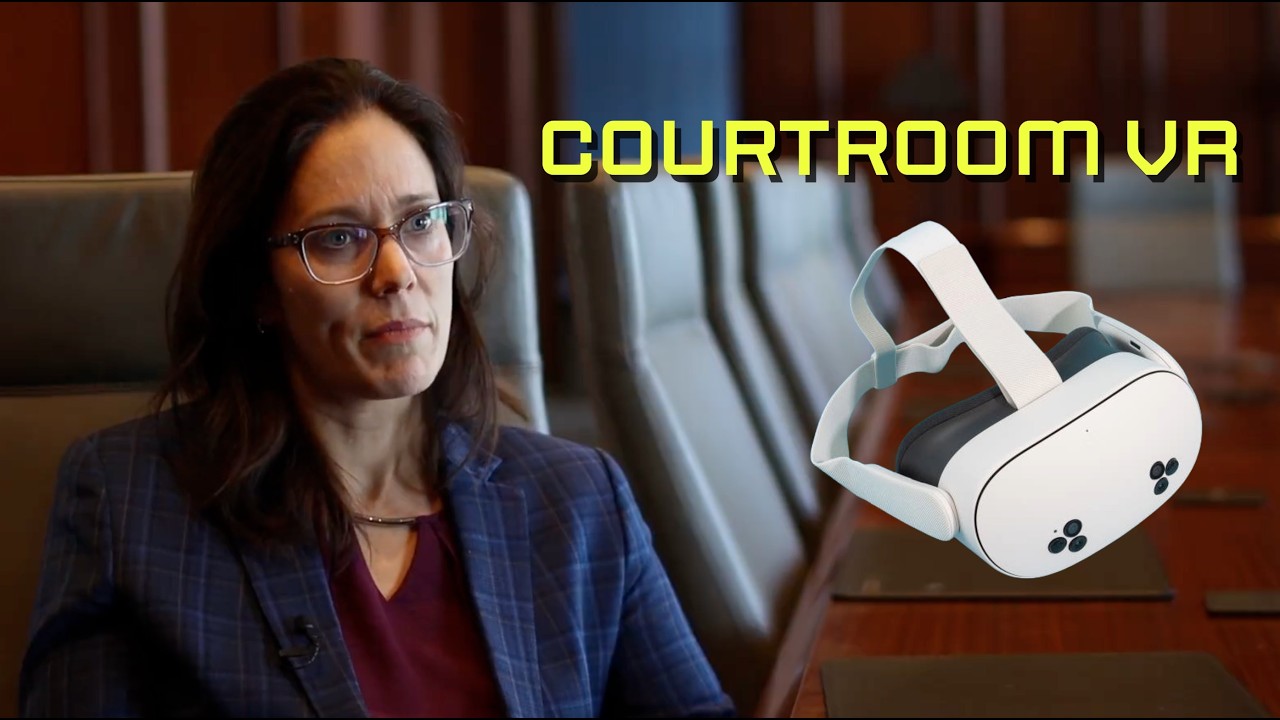
Courtney Topić
Assistant Professor of Criminology, Criminal Justice, and Legal Studies
Hunter Bridwell
Emerging Technologies Coordinator, Information Technology
Join our Faculty Learning Community!
Whether you've been teaching online or hybrid courses for several years or are just getting ready to start your first semester teaching hybrid or online, all levels of expertise are welcome to join our Online & Hybrid Faculty Learning Community.
Join us each month to:
- Support new and experienced online/hybrid faculty through dialogue and samples
- Explore best practices associated with online/hybrid teaching and learning
- Identify emerging technological needs to support online teaching and learning
- Share collective expertise across disciplines
Panopto Video Retention Policy
Beginning on January 1, 2025, Panopto videos that have not been viewed within 13 months will automatically be transferred to the Panopto Archive. This process will continue on the 1st of each month. This means that beginning on February 1, 2026, videos that have been in the Panopto Archive for 13 months and unwatched for 36 consecutive months will be automatically deleted from our system. This process will also take place on the 1st of each month.

eLearning Monthly Newsletter
Every month the staff of eLearning Technologies puts together an email newsletter featuring announcements about what's new in campus instructional technology, along with timely hints and tips for your digital teaching journey. You'll also want to stay tuned each month to find out what new features have been added to Blackboard.
If you're not receiving our monthly newsletter, please take a moment to sign-up.


Consult with your eLearning Liaisons
We welcome faculty to contact their dedicated eLearning Liaisons whenever you have questions regarding Bb Ultra features. Feel free to set up a consultation for additional guidance or troubleshooting assistance. Our top priority is timely support, and your feedback is essential.
About eLearning
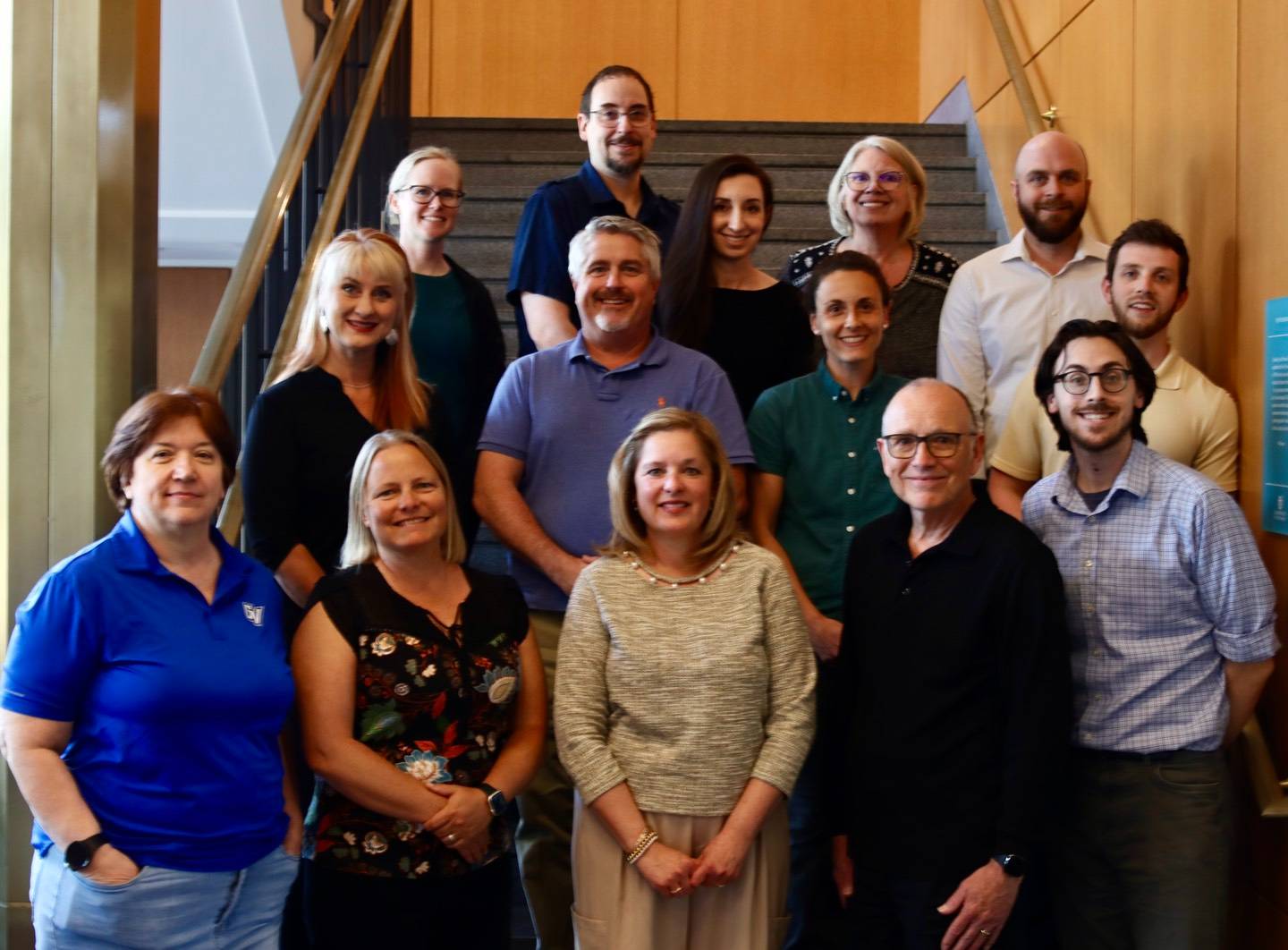
eLearning Technologies provides a wide array of services and resources designed to facilitate a cohesive and seamless digital learning experience for students at GVSU - through supporting faculty in delivering high-quality, high-impact, high-engagement innovative teaching.
We support faculty, contribute to teaching excellence, and enhance student success through:
- IDeL
Exemplary Instructional Design for Online and Hybrid Courses - Teaching with Technology
Effective Application of Instructional Technologies - Blackboard
Learning Management System Enhancement - The Bridge
Interactive Digital Media Development - We also partner with the Atomic Object Technology Showcase to bring innovative emerging technologies to GVSU.
WE'RE HERE TO HELP!
Email Us: [email protected]
Call: (616) 331-2101
Hours: 8:30 am - 4pm, Monday through Friday
24x7 After Hours Support is Available
"Supporting faculty pursuing innovation in teaching and learning."
Credits: Bird Tangram Puzzle by irene hoffman from NounProject.com ; Light Bulb by Numero Uno from NounProject.com ; newsletter by Ethan from NounProject.com ; Parachute by Kmg Design from NounProject.com