

Tertiary Logo
Home > Visual Identity > Logos > Tertiary Logo
University departments, administrative units, and some centers should have a tertiary logo for their unit. Individual academic programs do not get unique tertiary logos and should use a college, division, or a primary university logo on their materials.
Like with all Grand Valley logos, creating your own tertiary logo is strictly prohibited.
Jump to: Setups | Color | Minimum Size | Clear Space | Contrast | Common Mistakes | Logo Package Request
Setups
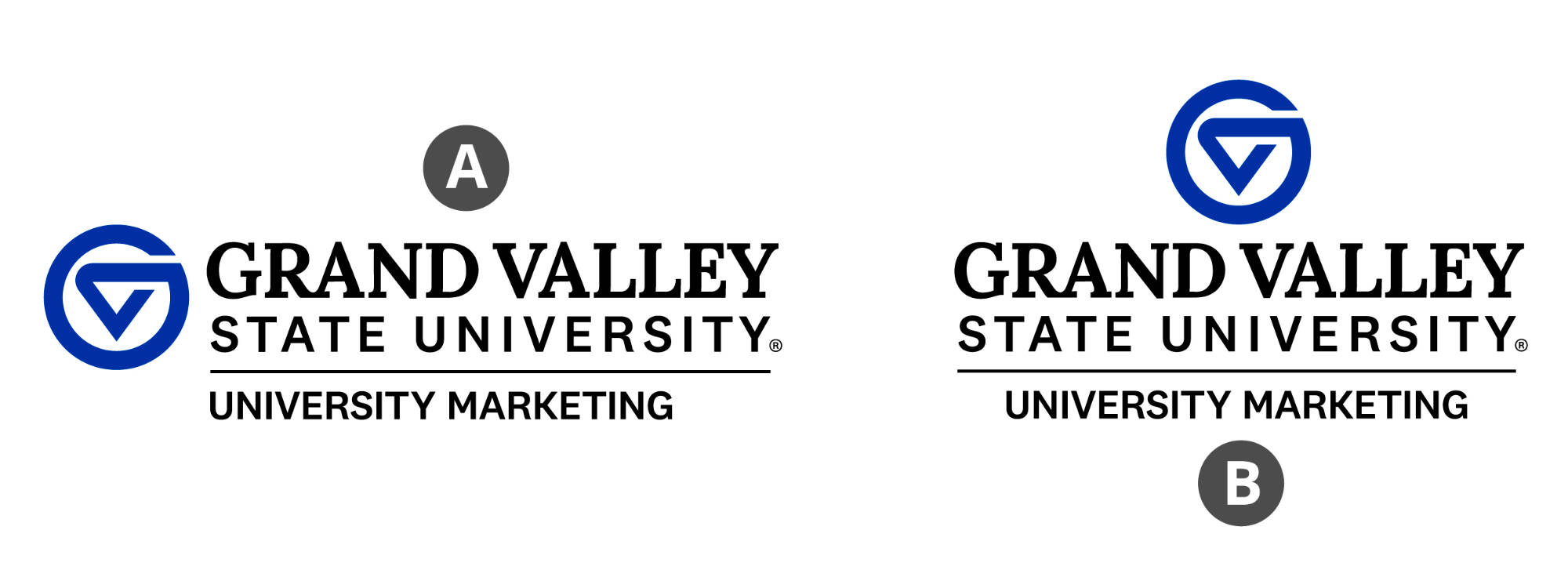
A tertiary logo is comprised of the primary full logo with the unit's name below the logotype.
(A) University Marketing markleft
(B) University Marketing marktop
When the logomark is set to the left of the logotype, we refer to the tertiary logo as being "markleft". When the logomark is set above the logotype, we refer to the tertiary logo as being "marktop".
Minimum Size
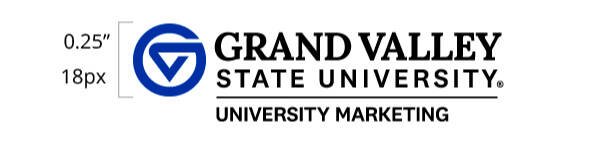
Minimum height guidelines ensure that the tertiary logo is legible in all printed and digital media. The minimum size requirements are based on the height of the logomark within the tertiary logo.
The logomark must be at least 0.25 inches tall on printed items, or at least 18 pixels tall on digital items.
Specialty production methods like screen printing and embroidery may require larger output than the sizes mentioned here, depending on vendor capabilities and equipment. Always defer to vendor recommendations.
Contrast
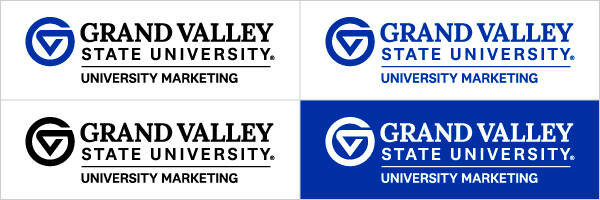
Use the version that provides the strongest contrast against its background.
Special care should be taken when using a tertiary logo over a photo or patterned background. Avoid photos that make the tertiary logo difficult to read. Choose a tertiary logo in the color that will stand out best against the photo's colors.
Tip: Add an overlay or gradient over the background to increase contrast between the logo and the background.

- Do not stretch, distort, or rotate the tertiary logo.
- Do not obscure, delete, or alter any aspect of the complete tertiary logo.
- Do not use the logotype without the logomark accompanying it.
- Do not change the tertiary logo's color.
- Do not add other artwork to the tertiary logo.
- Do not combine the tertiary logo with other logos, designs, or marks.
- Do not use the tertiary logo on a background that provides insufficient contrast.
- Do not place the tertiary logo where a hole-punch or binding may interfere with it.
- Do not reverse the tertiary logo out to a color other than white.
- Do not attempt to replicate the tertiary logo in a different font.
- Do not add any graphic effects to the tertiary logo, such as outlines, gradients, or drop shadows.
Logo Package Request
Do you represent one of Grand Valley's divisions, colleges, centers, schools, offices, or departments and need an official logo package? Complete and submit our Logo Package Request form. If approved, you will receive a OneDrive link to the logo package within approximately 2 weeks. Note: requires a valid GVSU network login to access.