

Transfer to GVSU
Choose Grand Valley for your next journey
This page hosts resources for a smooth transfer to Grand Valley College of Education and Community Innovation.
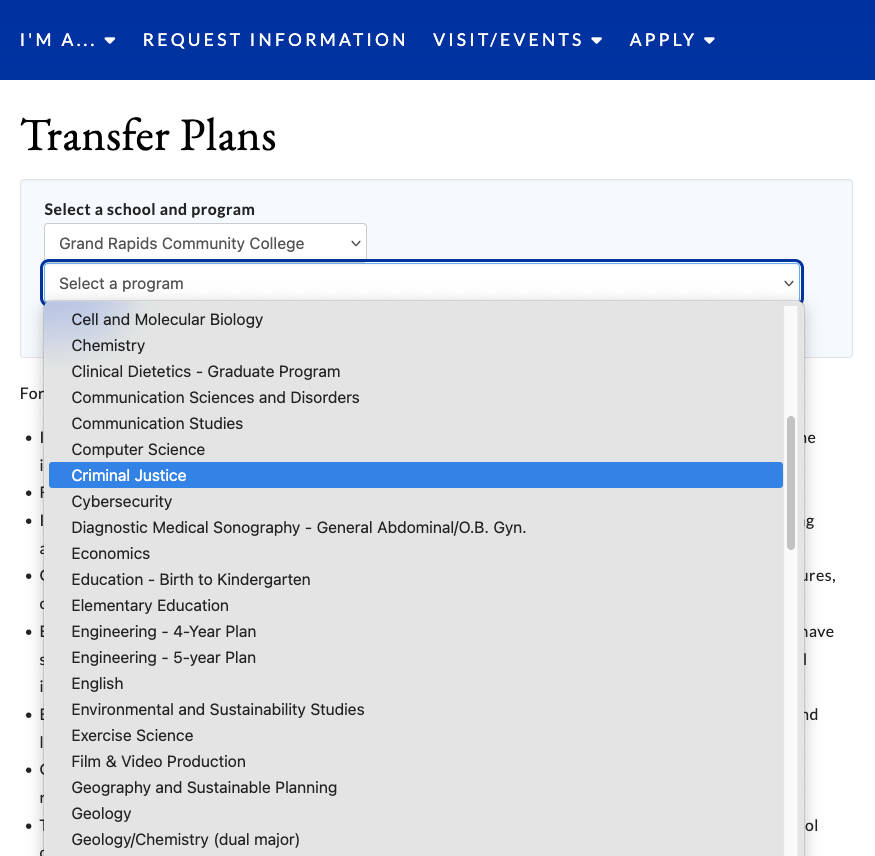
Planning Your Transfer
Are you thinking about shifting your education to Grand Valley in the future? Use these Transfer Guides to find out what programs we have that match your future goals.

Step 1: Make your Transfer Appointment
Schedule your Transfer Orientation
The Orientation fee is $100. If you are having difficulty paying the Transfer Orientation fee, please contact the Admissions and Recruitment Office at (616) 331-2025 or at [email protected].

Step 2: Review the New Student Checklist
If you make it through all these steps, you'll be prepared for being a GV student!

Step 3: Set Up Student Accounts
- Set up your multi-factor authentication
- Log into Banner
- Complete 6 Verification steps
- Log into Student Gmail Account

Step 4: Take Placement Tests (Optional)
If your academic advisor suggested that you take a placement test, use the following links:

Step 5: Know Where to Go
You had the option of attending a Zoom or In-Person Transfer Orientation session.
In-Person Session
- Your assigned advising center will provide specific location instructions
- Watch/read your email (GVSU & Personal) for further details
- Contact Parking Services to request a temporary parking pass for the City Campus
Zoom Session
- Computer Required (no cell phones)
- Download Zoom to your computer prior to the session
- Enable/test screen share capabilities and microphone
- You will need a secure internet connection for 2 hours
- We encourage you to log in to your Zoom session 5 minutes before the start of your session.
For assistance, please use this Zoom Help Center or contact the GVSU IT Office at (616) 331-2101 or [email protected].

Step 6: Send Updated Transcripts and Score Reports
If you are currently in progress with coursework be sure to send an updated official transcript at the end of each semester. Failure to send an updated transcript at the end of each semester could limit your ability to register for future classes:
- Email: [email protected]
- Mail: Admissions Office, 1 Campus Drive, Allendale, MI 49401
If you have taken an AP exam and/or Credit by Exam and would like the score to be reviewed for credit, please have your official score report sent to GVSU. We do not accept scores from the transcripts of other institutions, including high schools.
- Send using College Board
- Academic Advising
- Advisors & staff
- Locations
- Professional vs. Faculty Advising
- Types of Appointments
- Navigate...schedule an appointment
- Majors & Programs
- Getting connected
- Elements of a GVSU Bachelor Degree
- University Requirements
- General Education
- Major Requirements
- GVSU Online Catalog
- Academic calendars
- Registration videos
- Waitlist process
- Full-time vs. part-time

How to declare your major
How to access and use MyPath
How to register for classes
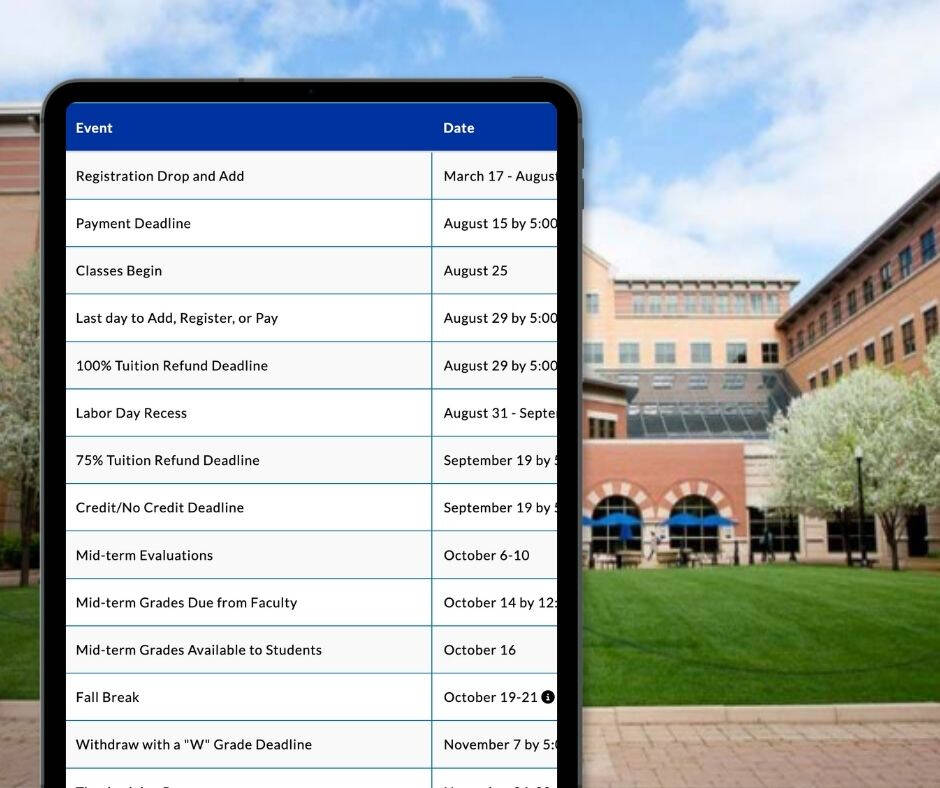
Academic Calendars
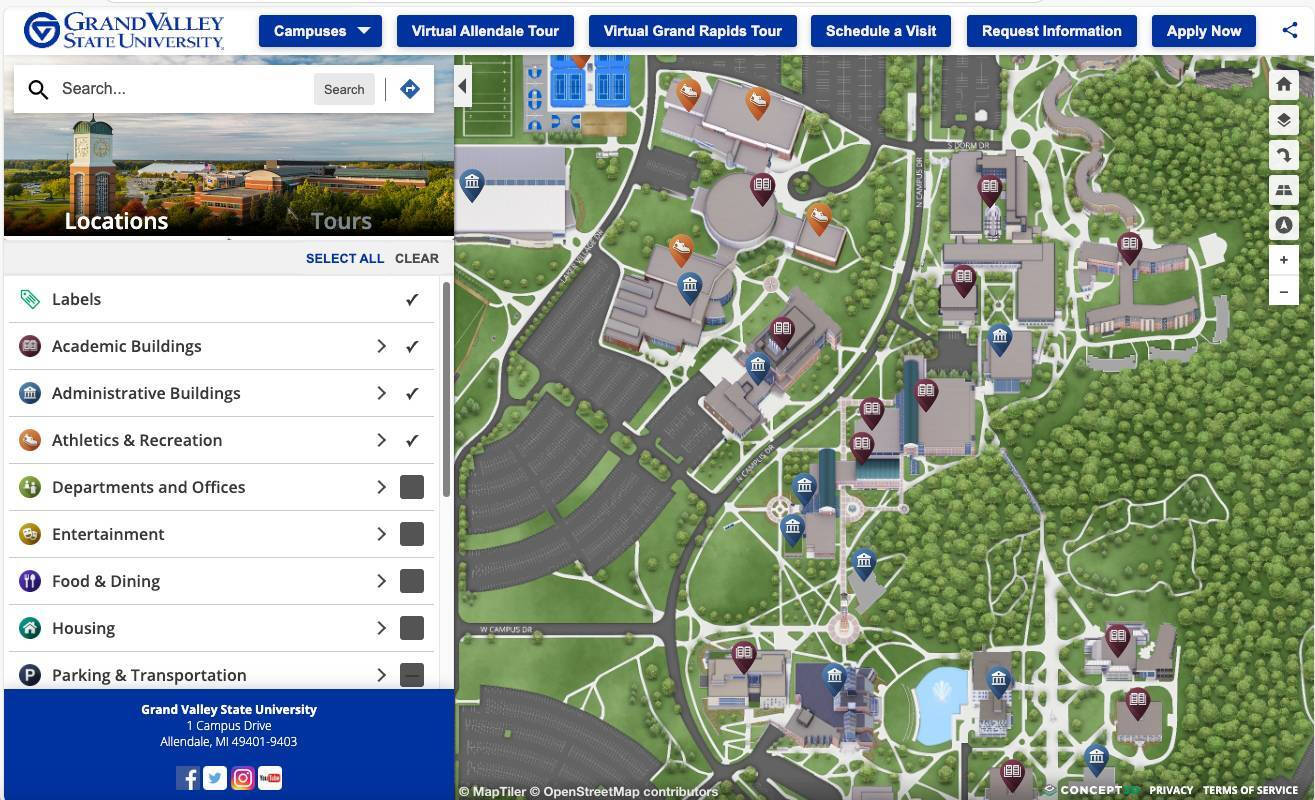
Campus Maps
University Advising

Prepare to be a Laker