

Navigation Menu
A website navigation menu is vital for user interaction, offering a structured pathway to access various sections of a website. It includes links to essential pages or features, ensuring smooth navigation and enhancing usability. This guide will walk you through best practices to use when setting up your website's structure and navigation.
Adding a Navigation Menu to Your Site
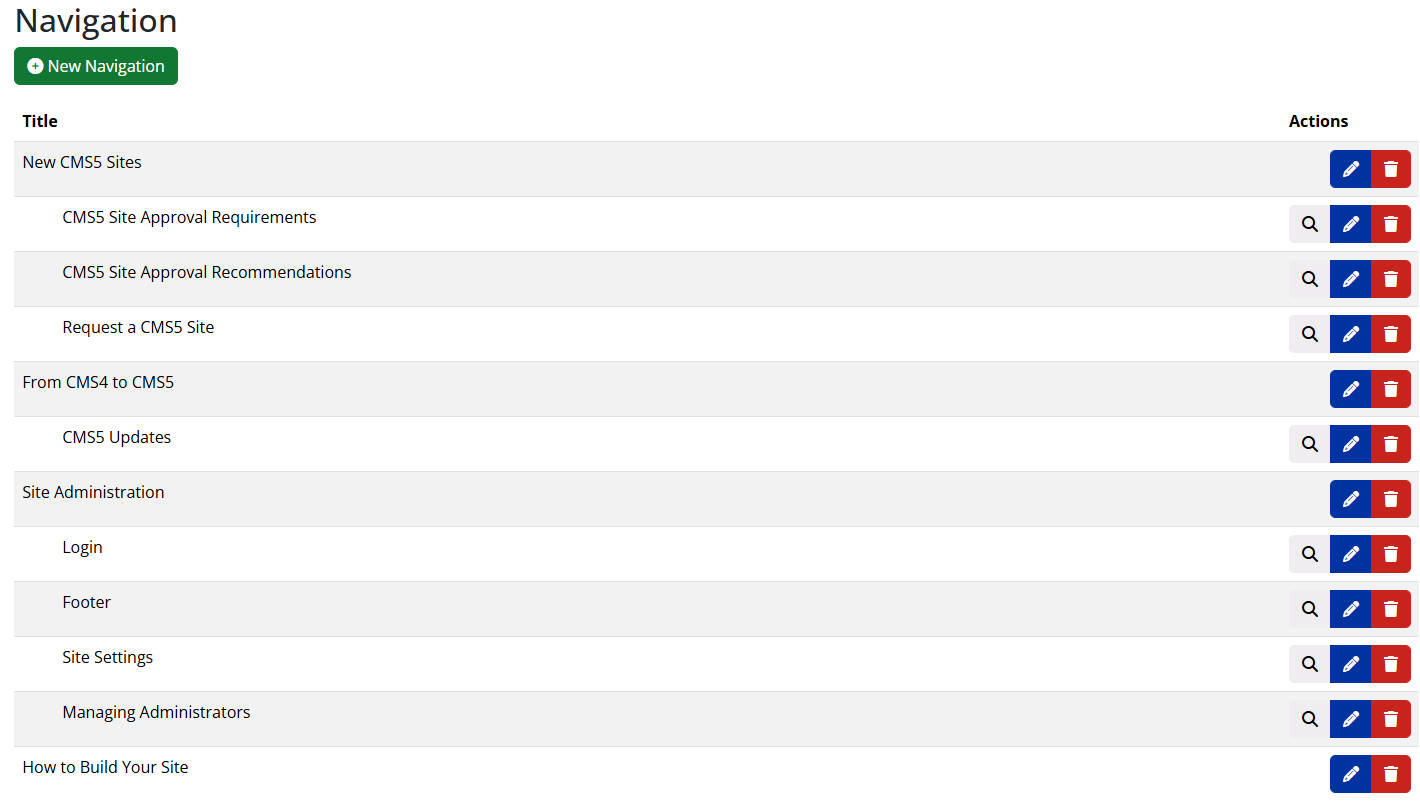
- Once logged in to your site in the CMS, click Navigation from the left menu.
- Click the green + New Item button.
- Add the title (what will appear on your site) to navigation menu.
- Choose the navigation type from the available options.
- Main navigation that links to content
- Main navigation that opens to sub navigation
- Sub navigation that links to content
- Choose what the navigation item will link to (page on site, external link, etc.).
- Place the navigation item in the order you prefer in the menu.
Best Practices for Setting Up Your Navigation Menu
1. Prioritize Key Pages
Place important pages like "Home," "About Us," and "Contact" at the forefront for easy access, while using clear labels for a straightforward user experience.
2. Grouping
Streamline navigation by grouping related pages under logical categories, enhancing user efficiency and presenting content cohesively.
3. Concise Labels
Ensure quick comprehension by using concise and clear labels for menu items, contributing to a user-friendly interface.
4. Limit Menu Items
Prevent user overwhelm by limiting menu items to focus on critical sections, maintaining a clean and organized navigation menu.
5. Regular Updates
Keep the navigation menu relevant by regularly reviewing and updating it to reflect changes in content and user preferences for an up-to-date and efficient user experience.