

Footer
Footer
A website footer is the section at the bottom of a webpage that typically includes important links, contact information, and other key resources. It plays a vital role in enhancing navigation, improving accessibility, and reinforcing your site’s structure for users who scroll to the bottom of the page.
To make footers easier to manage in CMS 5, we've aligned them with the standard page-building process using the node editor. This means you can now edit your footer just like any other content page—adding rows, sections, and specific content chunks directly. For detailed help, visit our Node Editor Guide, which walks through how to use each chunk type effectively.
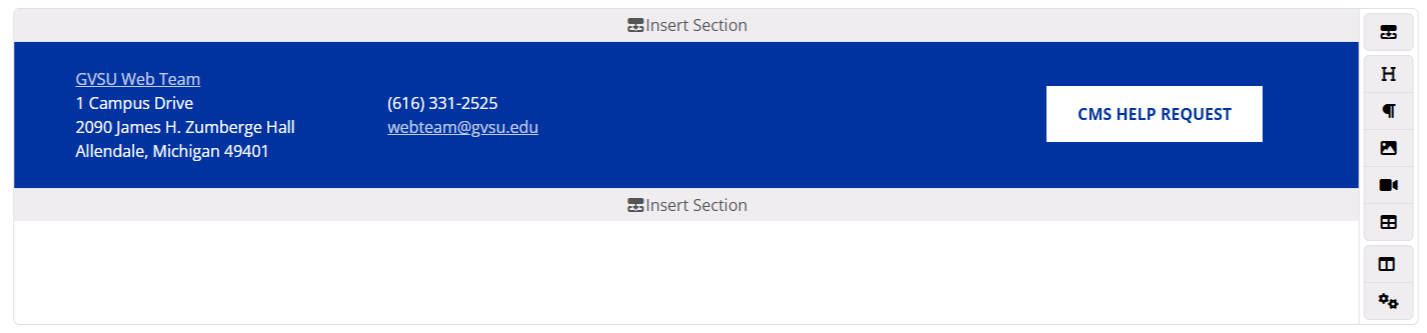
Footer node editor on CMS5
With this new flexibility, it’s important to follow a few key best practices to ensure your footer remains clean, accessible, and helpful:
- Keep It Simple
Include only the most useful and high-traffic links. Too much information can overwhelm users and dilute effectiveness. - Group Related Content
Organize links into logical categories (e.g., Contact, Resources, Social Media) to make scanning easier. - Use Clear, Descriptive Labels
Avoid vague terms like “Click Here.” Use labels like “Contact Us,” “Accessibility Resources,” or “Privacy Policy.” - Ensure Mobile Responsiveness
Footers should stack neatly on mobile devices with tappable links and adequate spacing for readability. - Maintain Brand Consistency
Use GVSU colors, typography, and tone to align your footer visually with the rest of your site.