

Workday Student for Students

Your Workday Student Resource Headquarters
Find everything you need to navigate Workday Student in one place. Explore resources, guidance, and important information to help you prepare for and use Workday Student throughout your time at Grand Valley.
Workday Onboarding Tasks Must Be Complete Prior to Fall 2027 Registration
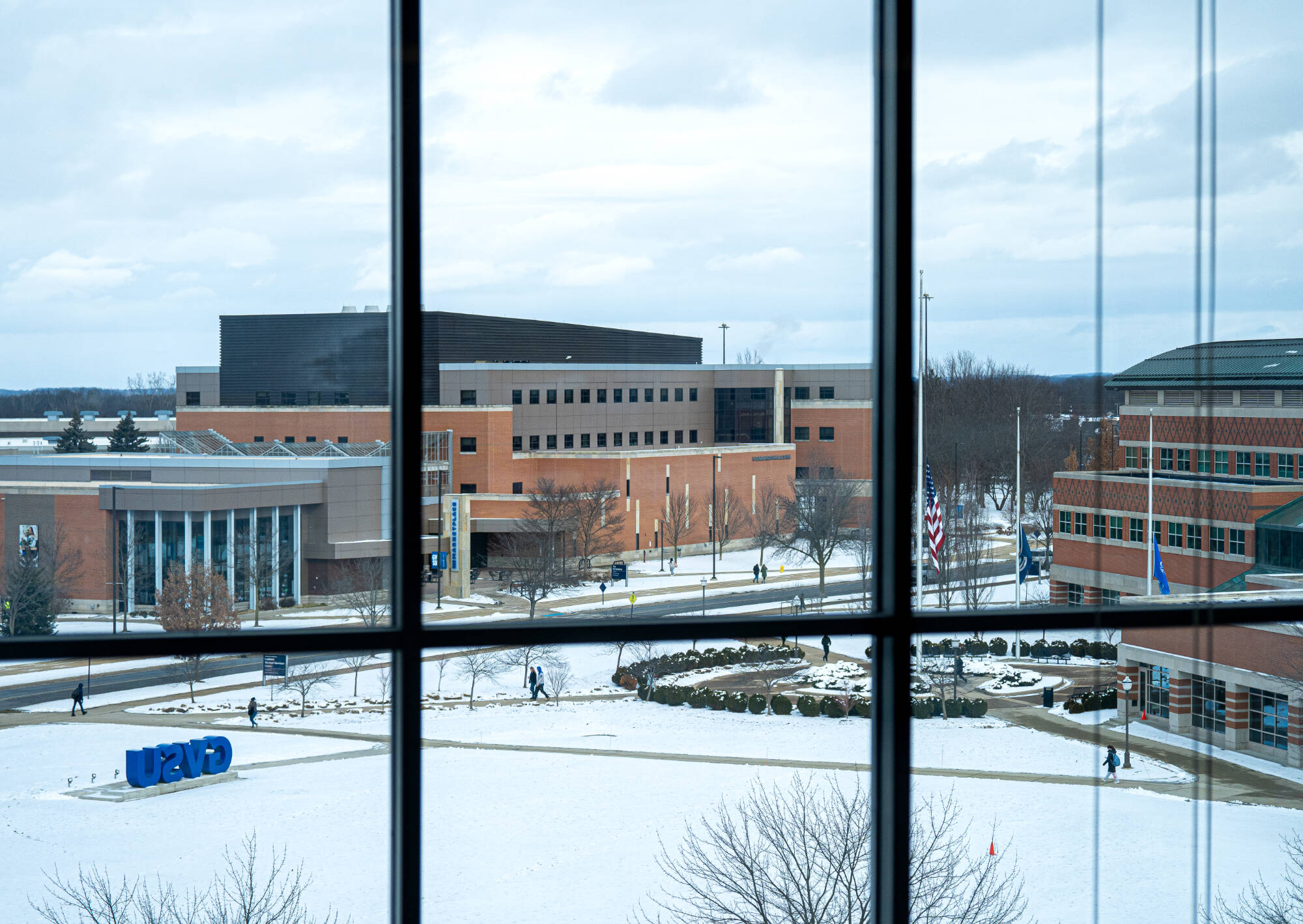
Workday Student at GVSU is a next generation student information system, designed to enhance academic experiences with modern, self‑service tools. Replacing Banner Student, Workday Student, aligned with the cloud‑based Workday Platform, will streamline course registration, academic advising, records, financial aid, and more, offering real-time access and mobile convenience. The project officially launched in July 2024, with phased go‑live beginning in 2026 and extending into 2027.

Key Dates
- Dec. 2026: Begin logging into Workday to complete onboarding tasks
- Jan./Feb. 2027: Meet with your advisor
- Feb. 2027: Early Summer 2027 registration in Banner
- Mar. 2027: Fall 2027 and Winter 2028 registration in Workday
- Jul. 2027: Bills and payments for Fall 2027 in Workday
- Fall 2027: Grades and degree conferral in Workday
Key Changes
- What's Changing for Students
- Reviewing Degree Requirements - the Workday Academic Progress Report (APR)
- For student employees: Student profiles and student worker profiles are separate in Workday. To learn how to switch between the two, view this Help Article.
Important Reminders
- You must complete onboarding tasks prior to registering for Fall 2027 classes. See Workday Help article.
- Summer 2027 registration is available early in February 2027 and will be done in Banner.
- It is recommended that you meet with an advisor prior to registering for Fall 2027 courses.
- Courses must count towards academic requirements in order to be eligible for financial aid. If you have already earned 120 credits, each additional credit must apply to a specific requirement to be aid eligible. Courses that don’t meet a requirement and are therefore ineligible for aid can be seen on your Academic Progress Report via the Unused Registrations link.
Page last modified October 30, 2026