


Support
Training
Key Dates
Changes
Resources
Find resources or submit a support request
View courses by role and register
Key dates and timeline
See a list of changes anticipated with Workday Student
View the full list of Help Articles and Demo Videos for WDS
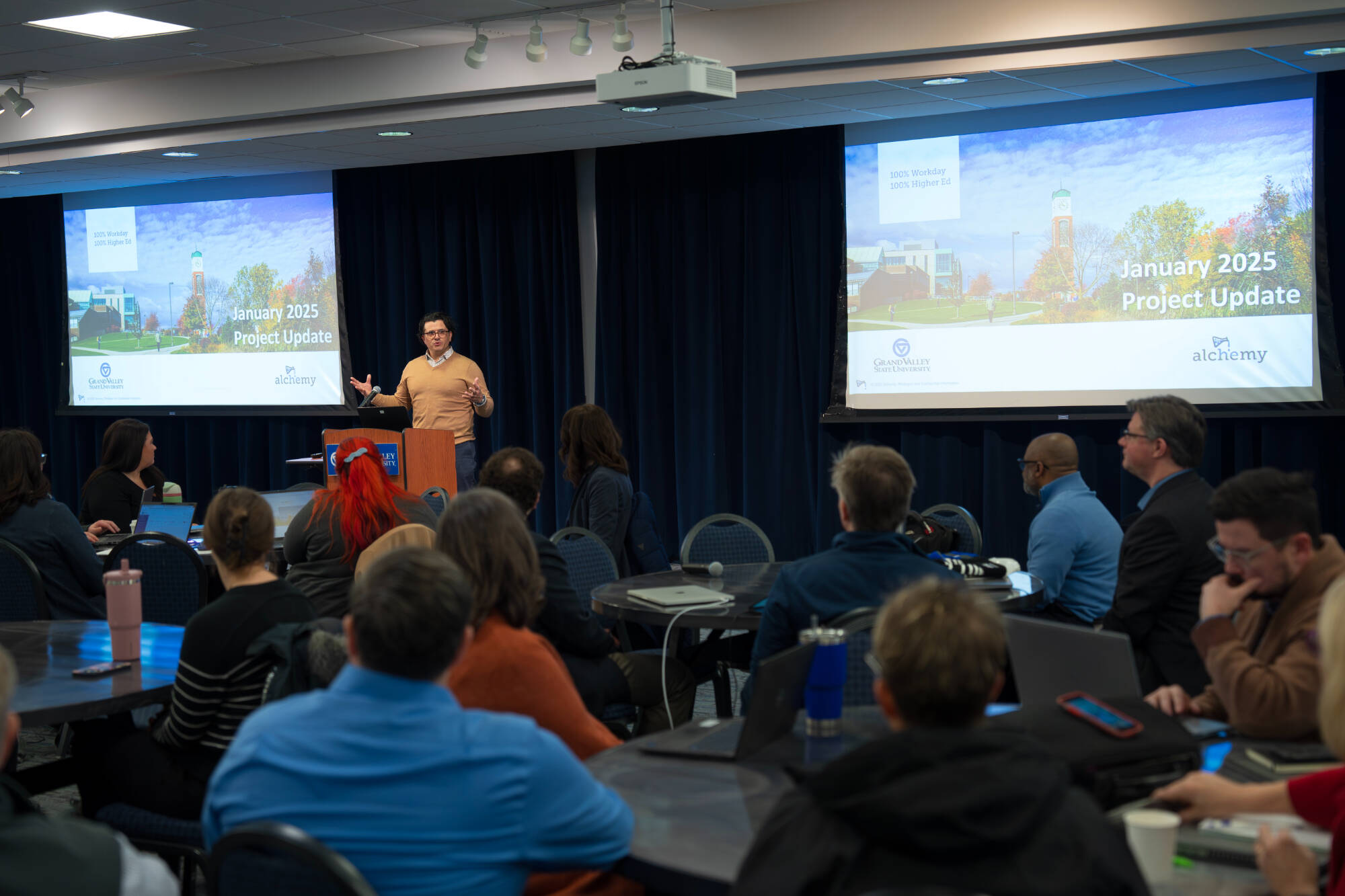
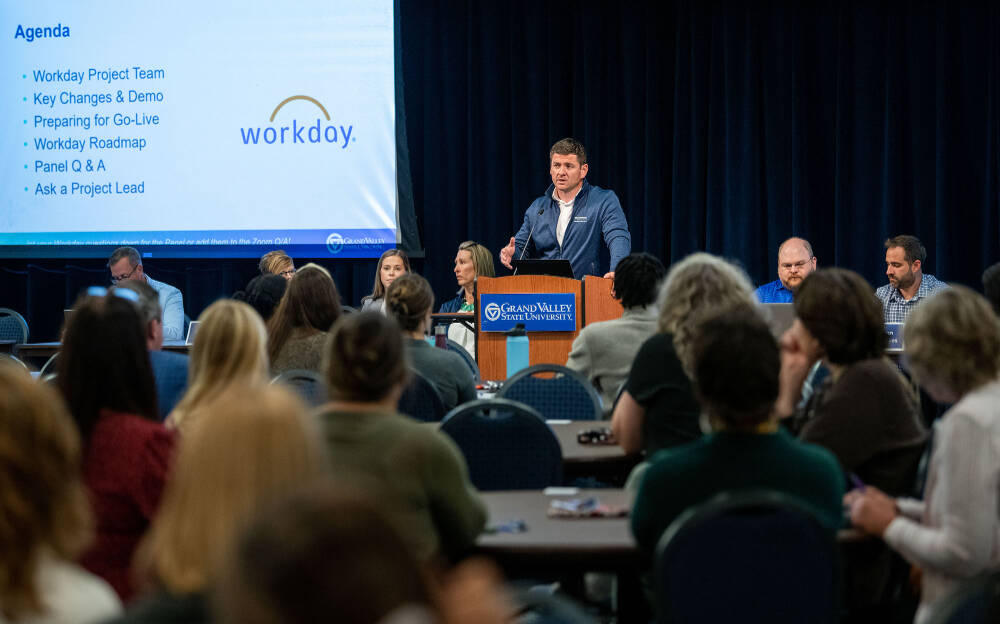
Workday Student Launch Event

The Workday Student Launch Event was held on October 13, 2026.
Click here to view the PowerPoint presentation and video recording.
Workday Student functionality goes live in current Workday system on 10/26/26.
As features become available, you may see:
- Student profiles
- New menu and navigation options
- Additional student-focused tasks, reports and search results
- Both a worker profile and student profile when searching for student employees or employees who are or have recently been students.
When an employee (who has a student profile) or student employee clicks View Profile, they will be taken to their student profile by default. This does not affect employee access, information, or job-related functions. Employees can switch back to their worker profile as outlined in Accessing Student Employee and Student Profiles in Workday. Employees may also change their default profile to their Worker profile. See the step-by-step instructions in Setting Your Default Profile in Workday.
Register Now: Workday Student Training Begins November 9
View Workday Student training by role and register for training.
Monthly Highlights: October 2026
Register for Launch Event October 13, Initial Rollout October 26 & More
Visit the updated Workday Student Key Dates webpage for a quick, easy-to-reference view of upcoming important dates, project milestones, and key Workday Student activities.
This month's key dates:
- Oct. 9-22: Hiring actions unavailable in Workday for faculty, staff, and graduate assistant hires
- Oct. 13-22: Hiring actions unavailable for student employee hires
- Oct. 13: Workday Student Launch Event for faculty and staff. Register for the Event.
- Oct. 17-21: Scheduled Workday outages
- Oct. 23: Workday Student Training registration deadline. Sign-up for Training.
- Oct. 26: Initial Workday Student functionality becomes available for faculty and staff as part of a phased rollout
Workday Student Features Coming Soon
Certain functionality live starting in October.
Starting later this month, select Workday Student functionality will become available in Workday as part of a phased rollout. No action is needed at this time, but faculty and staff may notice some new student-related information, navigation options, and features as they become active.
As part of this transition, student profiles and select Fall 2027 academic information will be visible to faculty and staff with the appropriate Workday security access. Additional functionality, training, and student-related processes will be introduced in phases as we move toward the full transition to Workday Student.
What is Changing Beginning Oct. 26
As Workday Student features become available, you may see:
- Student profiles
- New menu and navigation options
- Additional student-focused tasks, reports and search results
- Both a worker profile and student profile when searching for student employees or employees who are or have recently been students
Workday Profile Access: Worker and Student Profiles
Learn about profile options, set a default & more.
As some aspects of Workday Student become active in Workday this month, some faculty, staff, and student employees may notice changes to how certain Workday profiles are accessed. Currently, all employees, including student employees, have a worker (employee) profile. With Workday Student, anyone who is a current or former student, including employees with a student record, will also have a student profile. This includes employees who have applied to or attended GVSU since 2018.
Beginning as early as Oct. 26, 2026: When an employee (who has a student profile) or student employee clicks View Profile, they will be taken to their student profile by default. This does not affect employee access, information, or job-related functions. Employees can switch back to their worker profile as outlined in Accessing Student Employee and Student Profiles in Workday.
Employees may also change their default profile to their Worker profile. See the step-by-step instructions in Setting Your Default Profile in Workday.
What will not change: When searching for an employee in Workday, the worker profile will continue to appear in search results.
Webpage highlights change impacts, regularly updated.
Want to learn more about how Workday Student will impact your role? The What’s Changing webpage provides role-specific information and updates to help you understand what’s ahead. New information will be added as the project progresses, so check back regularly to see what’s new.
Sneak Peek: Demo videos highlight common tasks.
Want a preview of how key Workday Student processes will work? Check out these short demo videos highlighting common tasks for faculty, advisors, and students. Availability of functionality may vary based on role and security access.
Submit Grade Change Request (Instructors) Learn how faculty will submit a grade change request directly in Workday.
Maintain Student Holds See how advisors and staff can review and manage student holds within Workday.
Request a Course Section Prerequisite Override Learn how students can request a prerequisite override to register for a course.
2026–27 Curriculum Proposals and Workday Student
As GVSU prepares for the transition to Workday Student, curriculum proposals will continue to be submitted, reviewed, and approved in SAIL during the 2026–27 academic year.
All approved curriculum changes, including new programs, will be applied to the 2028 - 29 catalog (unless specified for a later date). This approach will prevent issues stemming from the complexity of maintaining catalogs in two systems and help faculty, administrators, and implementation teams focus on resolving critical deployment issues.
New program proposals will continue through the required Board of Trustees, Michigan Association of State Universities (MASU), and Higher Learning Commission (HLC) reviews. Pending required approvals, new programs will be added to the 2028–29 catalog.
Speak Workday: Advising Dashboard
The Advising Dashboard is a centralized Workday page that provides advisors with information about their assigned students, including academic progress, holds, and other key details. It also provides links to common tasks and reports to help advisors quickly access the information they need to support student success.
Learn Workday terminology by exploring the Workday Student Glossary.
Need Assistance? Workday Support Resources
A variety of Workday support resources are available to the GV community. You can access these resources through the Workday Support webpage.
Here you’ll find quick access to Workday Help articles, support contacts across the university, links to submit tickets and more.
Any other Workday questions can be emailed to [email protected].
Sneak Peak - Workday Student Profile Overview
This short video offers a sneak preview into Workday Student!

New to Workday? Start Here:
Workday is a state-of-the-art cloud-based system with two main solutions:
- The Enterprise Resource Planning (ERP) side manages Financials, HR and Payroll activities and data. View the Workday Overview.
- The Student Information System (SIS) side manages activities like course registration, advising, financial aid, and student payments. Learn more about Workday Student.
Workday uses GVSU’s single sign-on (SSO) login. Contact IT Services desk at [email protected] or (616) 331-2101 if you need assistance with SSO.
- On your computer, go to my.gvsu.edu and select Workday.
- For the mobile app:
- The mobile app is convenient for simple processes. For more advanced processes, use the desktop version of Workday.
Students, faculty, and staff will begin to use Workday as early as the end of 2026 for financial aid activities. Students will still register for Summer 2027 classes in Banner, but then switch over to use Workday Student to register for Fall 2027 and Winter 2028 classes when the registration period opens in March 2027. By the 2027 Fall semester, all activities to be completed in Workday. Learn more about the timeline.
Read the monthly Workday newsletter, learn more about opportunities for involvement, or connect with a member of the Workday Student Liaisons or Leader Network.