

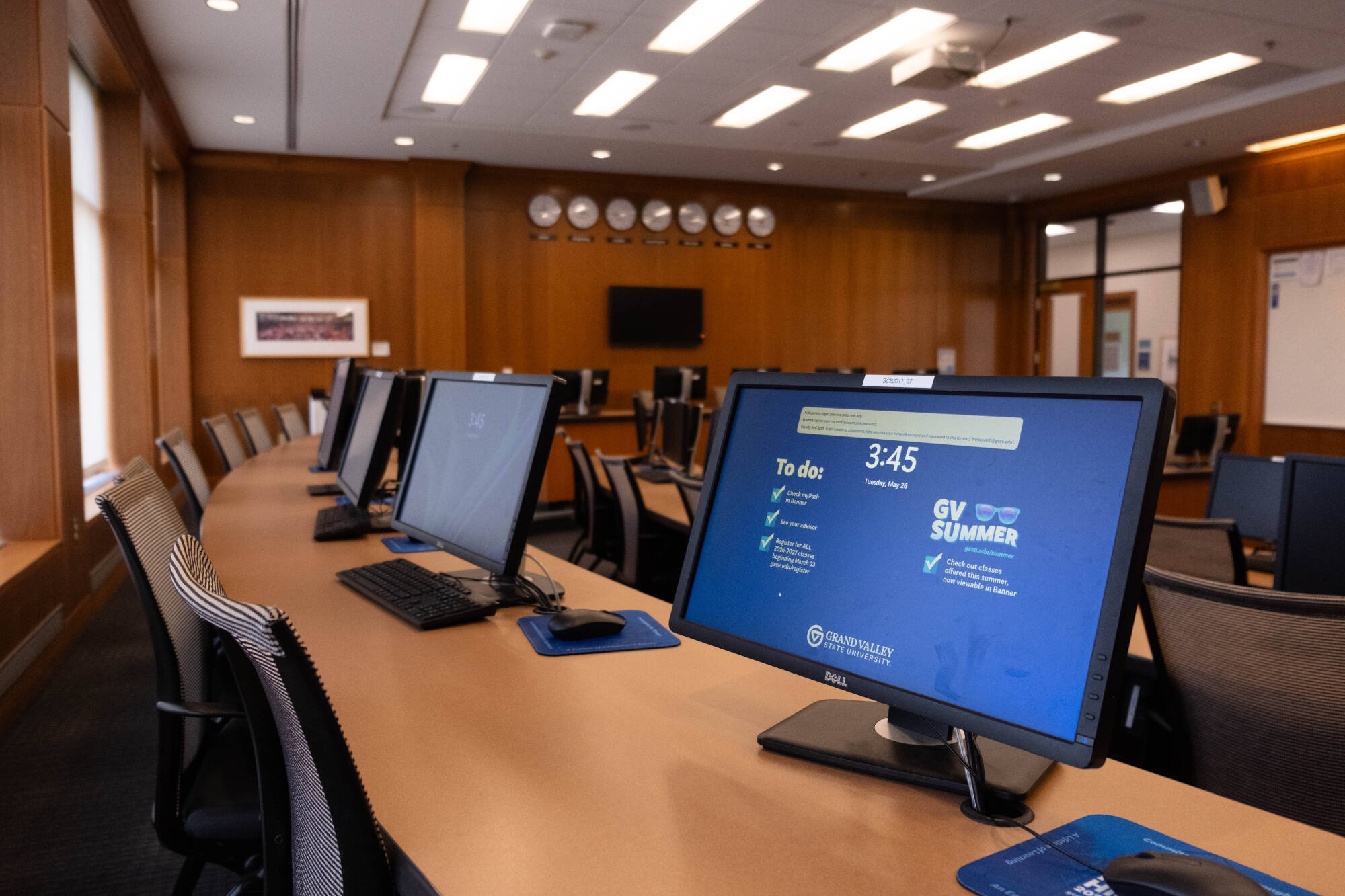
Whether you're new to GVSU or have been here for years, explore key technology resources to help you get started.
Use MY.GVSU.EDU
my.gvsu.edu is your dashboard for all applications used at GVSU, including Workday, Blackboard, and email.
Visit Service Portal
Have a question? Start with the Service Portal. It has how-to articles and a place to submit tickets for assistance.
Connect to Wi-Fi
Connect to GV-Faculty-Staff using your GVSU username and password. See the Knowledge Base article for setup assistance.
Set Up GlobalProtect VPN
GlobalProtect VPN helps you securely access GVSU resources from anywhere. Review the GlobalProtect overview article for setup instructions and additional information.
Enable MFA
Multi-factor authentication (MFA) helps protect your GVSU accounts and devices by adding an extra layer of security. Watch the GVSU MFA Overview video for enrollment instructions.
Access Microsoft 365
Faculty and staff use Microsoft 365 for email, file sharing, collaboration, and more. Review the Microsoft 365 resources in the Service Portal to get started.
Need a new laptop, monitor, software, or replacement equipment? The Technology Acquisition team helps faculty and staff purchase university-supported technology and navigate procurement requirements.
- Request quotes for new or replacement technology
- Learn about approved hardware and software options
- Get guidance on technology purchases and project requests
GVSU IT offers teaching technologies and support resources to help faculty engage students, deliver course content, and enhance learning experiences both in and beyond the classroom.
Explore the resources below or visit IT's eLearning Technologies website for more information.
Blackboard is GVSU's learning management system, providing tools for delivering course content, communicating with students, managing assignments, and tracking student progress.
Blackboard Next Steps:
Visit the IT eLearning Technologies website for training, support, and instructional resources.
Explore Blackboard help articles in the Service Portal for step-by-step guidance and troubleshooting.
Register for Blackboard training sessions or connect with your eLearning Liaison.
The Bridge, part of GVSU IT’s eLearning Technologies team, works with faculty to design and produce high-quality digital media that supports teaching and learning. The team provides technical expertise and production support so faculty can focus on curriculum and instruction.
Visit The Bridge's webpage to learn more and get started.
Panopto is GVSU’s video platform for capturing and sharing instructional content in classrooms, lecture halls, training rooms, and other teaching spaces.
View Panopto Knowledge Base articles in the Service Portal.
The Online and Hybrid Faculty Learning Communities bring together faculty at all experience levels to share ideas, explore best practices, and support effective online and hybrid teaching at GVSU.
Learn more about Online and Hybrid Faculty Learning Communities.
Work and collaborate efficiently with technology that helps you communicate, share information, and stay connected with colleagues across campus and beyond.
Microsoft 365, including Teams, OneDrive, and Outlook, is the preferred productivity suite for faculty and staff at GVSU. To learn more and get started, review the Microsoft 365 section in the Service Portal.
GVSU is committed to enhancing accessibility to the tools and resources you need for your daily work. As part of an updated contract, all faculty and staff have access to Adobe Express and Adobe Acrobat Pro.
Go to Adobe.com and sign in with your GVSU credentials to access Adobe tools. Once logged in, you can use Adobe apps via the web or install them on your device. For detailed steps and troubleshooting, visit the Accessing Adobe Products Knowledge Base article.
If you are a current user of the Adobe Creative Cloud product and pay for a subscription, you may find that Adobe Express, which is available at no cost to you, meets your needs. You can learn more about the differences between Adobe Creative Cloud and Adobe Express on the Tech Acquisition webpage.
Zoom is GVSU’s platform for phone, online meetings, and collaboration. All active GVSU employees with an @gvsu.edu account are eligible to use the Zoom Business license. To learn more and get started, visit the Getting Started With Zoom Knowledge Base article in the Service Portal.
GVSU went live with Workday in January 2024 with Finance and HR activities. Beginning in late 2026 and continuing throughout 2027, student-related activities will become available in Workday.
Workday uses GVSU’s single sign-on (SSO) login. Contact IT Services desk at [email protected] or (616) 331-2101 if you need assistance with SSO.
On your computer, go to my.gvsu.edu and select Workday.
For the mobile app:
Workday for Android
Workday for Apple
The mobile app is convenient for simple processes. For more advanced processes, use the desktop version of Workday.
Find help articles, project information, and more on the Workday @ GVSU website.
Stay Secure at GVSU! Protect your account, personal information, and devices with these essential security resources.

The Service Portal is a great launching point for technology support. Find help articles and submit tickets for assistance.
Find answers to even more technology questions on the Student Tech FAQ webpage.
Phone: 616-331-2101
Email: [email protected]
Walk-Up Locations: Service desks are located on both the Valley (Allendale) and City (Grand Rapids) campuses. View current hours at the bottom of the IT website.