

Widen
What is the GVSU Widen Photo Database?
The GVSU Widen Photo Database is the official photo database for Grand Valley State University photography. It is available for anyone with a GVSU faculty/staff login.
The photos in the Widen database are specifically chosen by University Communications and are approved for use on any page in the CMS.
Visit the GVSU Widen Collective by visiting gvsu.widencollective.com
How to Access the Widen Photo Database
CREATE ACCOUNT
In order to gain access to the Widen, you must click on the Create Account button and fill out the required information. Once you have submitted the request, the UComm photography team will approve your account and grant you access. Please allow 48 hours for your account to be created.
LOGGING IN
Once you have received an email indicating your account has been created, you will log in with your GVSU username and the password you've created.
Note: When you change your GVSU network password, it does not change the password on the Widen Collective. The username/password is not linked to your GVSU account.
Searching for Photos
Search Bar
Categories
Spotlight Searches



Use the Search Bar at the top of the page. You can use terms such as "Allendale", "Winter", or "Students" to look for pictures of that theme.
The Categories dropdown will show all the different groups of photos. You can click on any particular category and only those photos will appear.
The Spotlight Searches are shortcuts to the newest photos. Each of the Spotlight searches are updated as soon as the photos are updated. Use the "New Photos" to find the latest photos available.
Downloading Photos
One at a Time
Multiple Photos
To download an individual photo, it is recommended that you click on the photo to view it. Then click on the Download button. The box that appears will have a button that says "Download original asset". This is the preferred method for photos that will be used in the CMS. A prompt will appear which will allow you to download the photo to your computer.
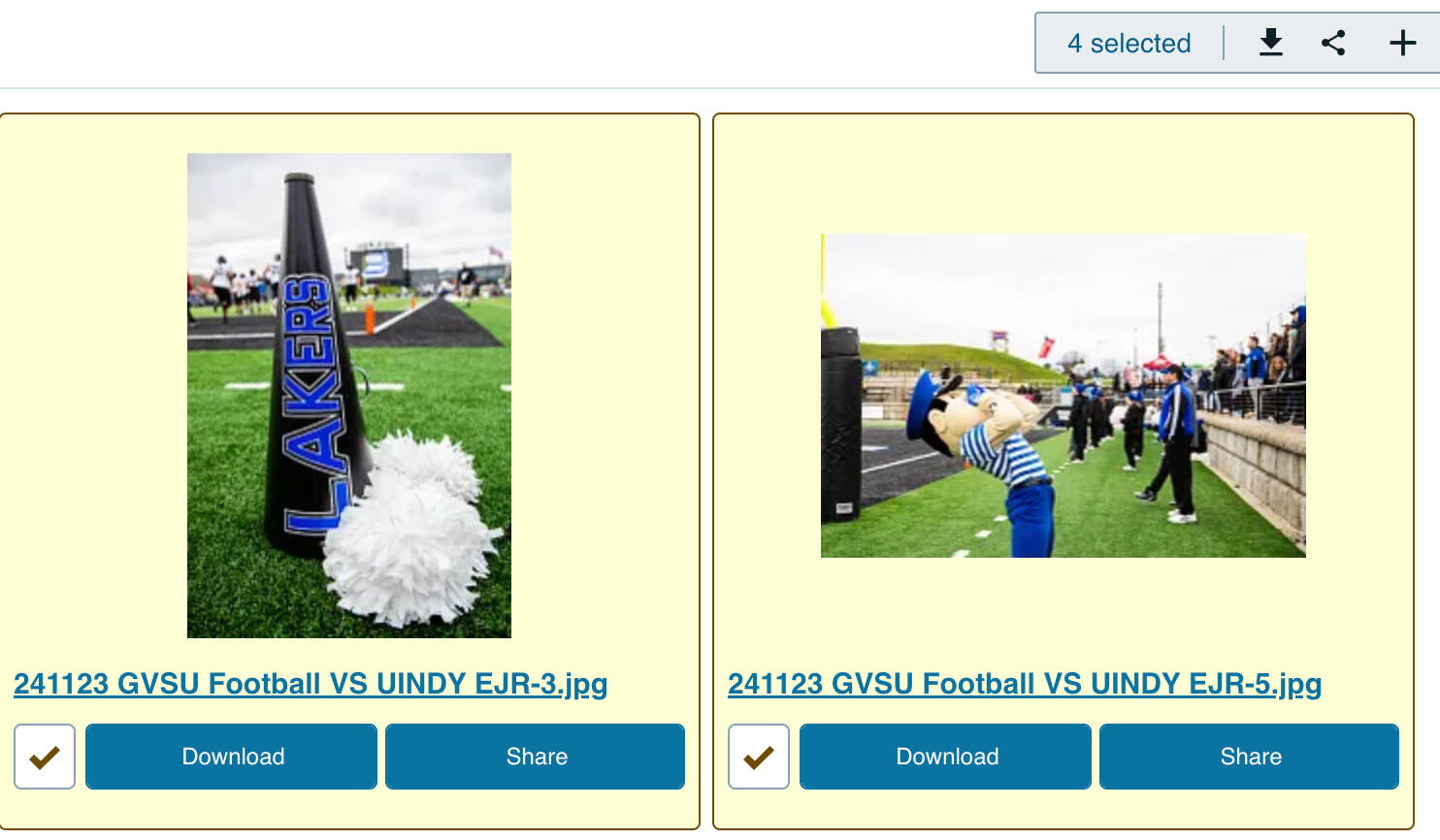
You are able to download multiple photos at once by placing a check in the box, and then clicking on the Download button.
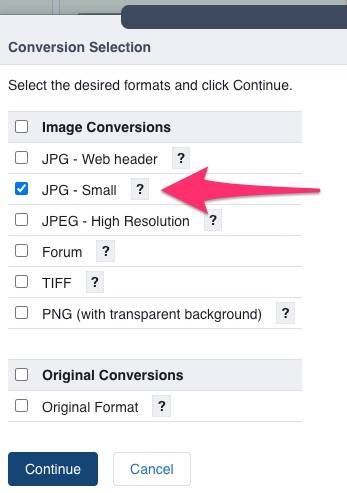
Note: When you download multiple photos at once, the option for "Web Friendly" is not available. Instead, it is suggested you select JPG - Small.

Example of the download button on Widen.
FOR PHOTOS OLDER THAN 2006
Photos taken before 2006 are available with University Archives. Requests for these photos should be made to University Archives.
Widen Collective Tutorial
