


Technology Requirements for Online/Hybrid Courses
All online courses require access to the Internet. Unless you will be traveling to a campus computer lab, you will need to have access to your own computer and a high-speed Internet Service Provider. A webcam and a headset or microphone for your computer are recommended and may be required.

Technology Proficiency
You should be proficient in the following:
- Basic computer skills
- Sending/receiving email
- Using a web browser
- Finding resources through search engines
- Downloading and installing software
- Using word processing, presentation software, or other productivity applications
- Experience/familiarity with a variety of file formats
- Familiarity with using document scanners or document scanning apps to convert handwritten work to a PDF file
- The ability to be self-directed in learning new technology skills
These skills, as well as others, are covered in the “Essential Tech Skills” module that is a part of the optional, self-paced “Digital Skills for College Success” course that all students are enrolled in.

Computer Minimum Requirements
Hardware
- PC or Mac
- Speakers/Microphone
- Webcam
- Additional Hardware may be Required
Software
- Windows 11 or newer
- Mac OS 11 or newer
- Additional Software may be required
Browsers
- The most recent release of Chrome, Firefox, or Edge is recommended.
Internet Connection
- High-speed broadband Internet Connection is required (100Mbps)
Please consider the following while participating in online/hybrid courses:
- Using a shared Internet connection will impact connectivity, such as additional household members' streaming TV, gaming, and other Internet usage.
- Your internet service provider’s performance may vary throughout the day based on community usage.

At GVSU, all students are provided with a Google Gmail account, and all email from the university is sent to this address. This includes any email sent from Blackboard. You cannot customize Blackboard for email to go to another email address; however, you can forward your GVSU Gmail to another email account if desired. You will use the same username and password for Gmail as you use for Blackboard.
In addition to email, you may find it useful to take advantage of Google Docs, especially for collaborative work with your classmates. You'll find access to these once you log in to Gmail, and Google offers tutorials for how to use the products.
Blackboard
Most online and hybrid courses at GVSU use Blackboard, the university’s learning management system. You can think of Blackboard as your online classroom, where you will access course materials, assignments, grades, discussions, and other learning activities.
All students are enrolled in an optional, self-paced course titled Digital Skills for College Success, which includes a Blackboard orientation. You can find this course by going to the Courses page in Blackboard and selecting the Professional Development term.
The orientation provides a basic overview of Blackboard, along with helpful tips and best practices for succeeding as an online student. It takes about 25 minutes to complete, and students can earn a certificate of completion.
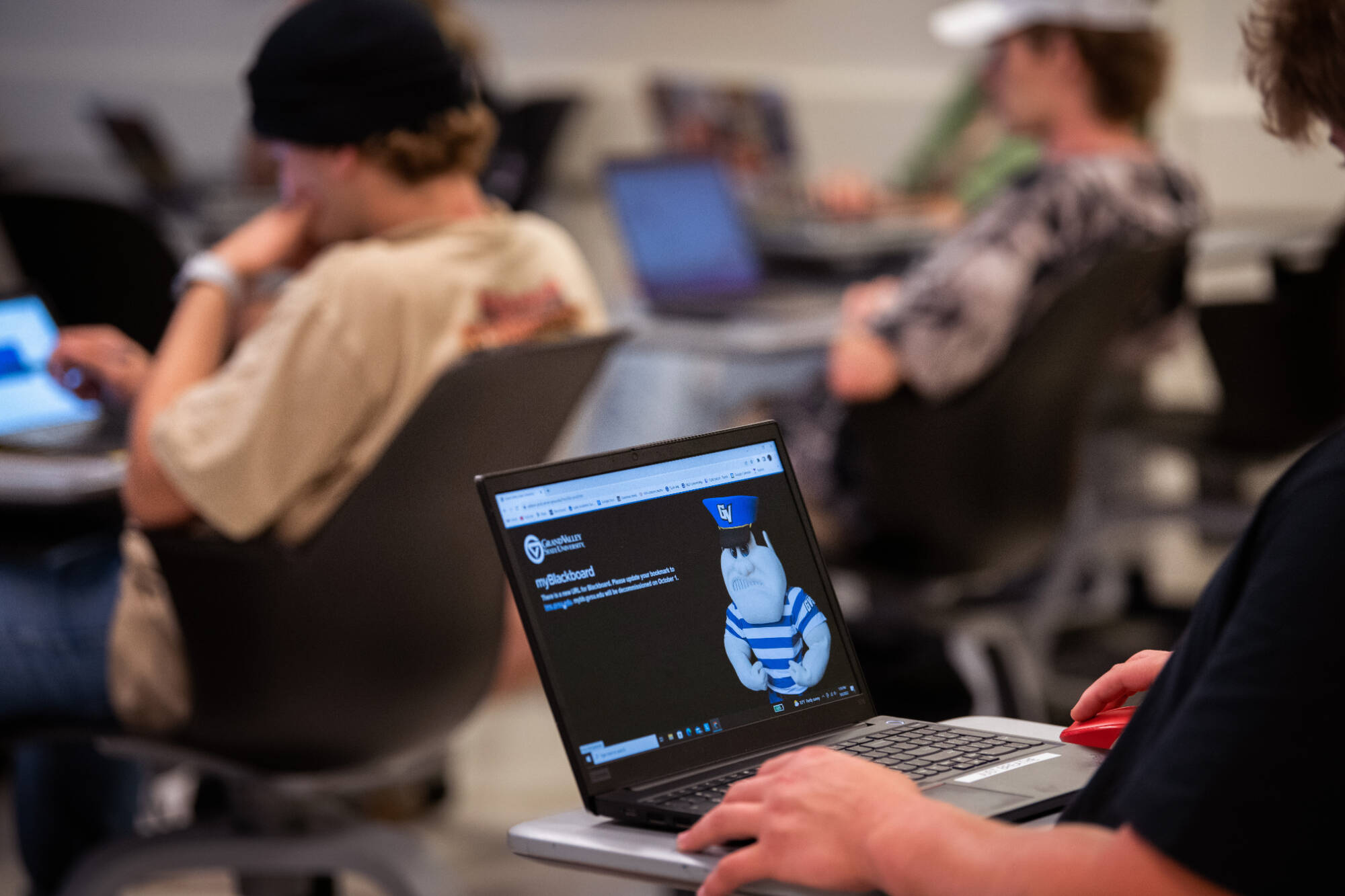
GVSU is here to support you as an online learner
- Student Help for Blackboard, using Respondus LockDown Browser for online proctoring, accessing alternative file formats with Blackboard Ally, and support for Zoom for virtual office hours and live online class meetings.
- Blackboard mobile apps provide convenience and access to your courses and learning while on the go.
- The GVSU IT Service Desk offers technical support and assistance.
- GVSU Software and Hardware - Free and for Purchase
- GVSU Libraries' Digital Skills Consulting service is available online or in person to help with various software, programs, and technology.
Special Circumstance & Financial Hardship Request
GVSU is committed to supporting students who experience financial hardship, including challenges related to meeting technology requirements for their courses. For more information about available support and how to request assistance, please visit the GVSU Special Circumstance & Financial Hardship Requests web page.