GVPrint Map for Mary Idema Pew Library (LIB)

The printer(s) on the map will be indicated with either a blue printer icon or red printer icon.

The blue printer represents printers that can Print, Copy, and Scan.

The red printer represents printers that can only Print.

Printer icon with a blue background
Printer icon with a red background

Blue Printer = Print, Copy, and Scan available

Red Printer = Print Only available
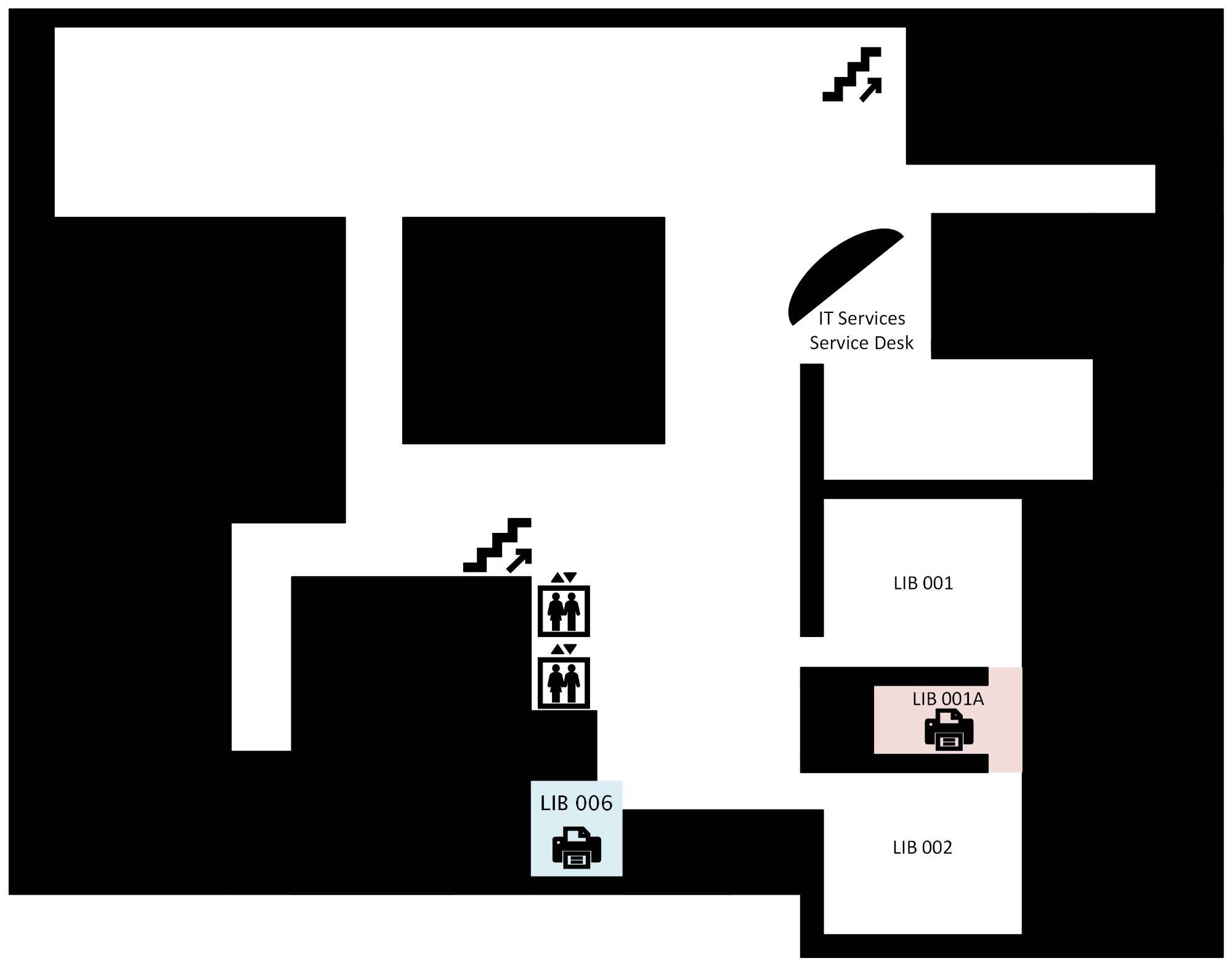
Floor 0

A map of the bottom floor of Mary Idema Pew Library, indicating a printer with print, copy, and scanning capabilities is available in LIB006 and a printer with printing capabilities only is available in LIB001A

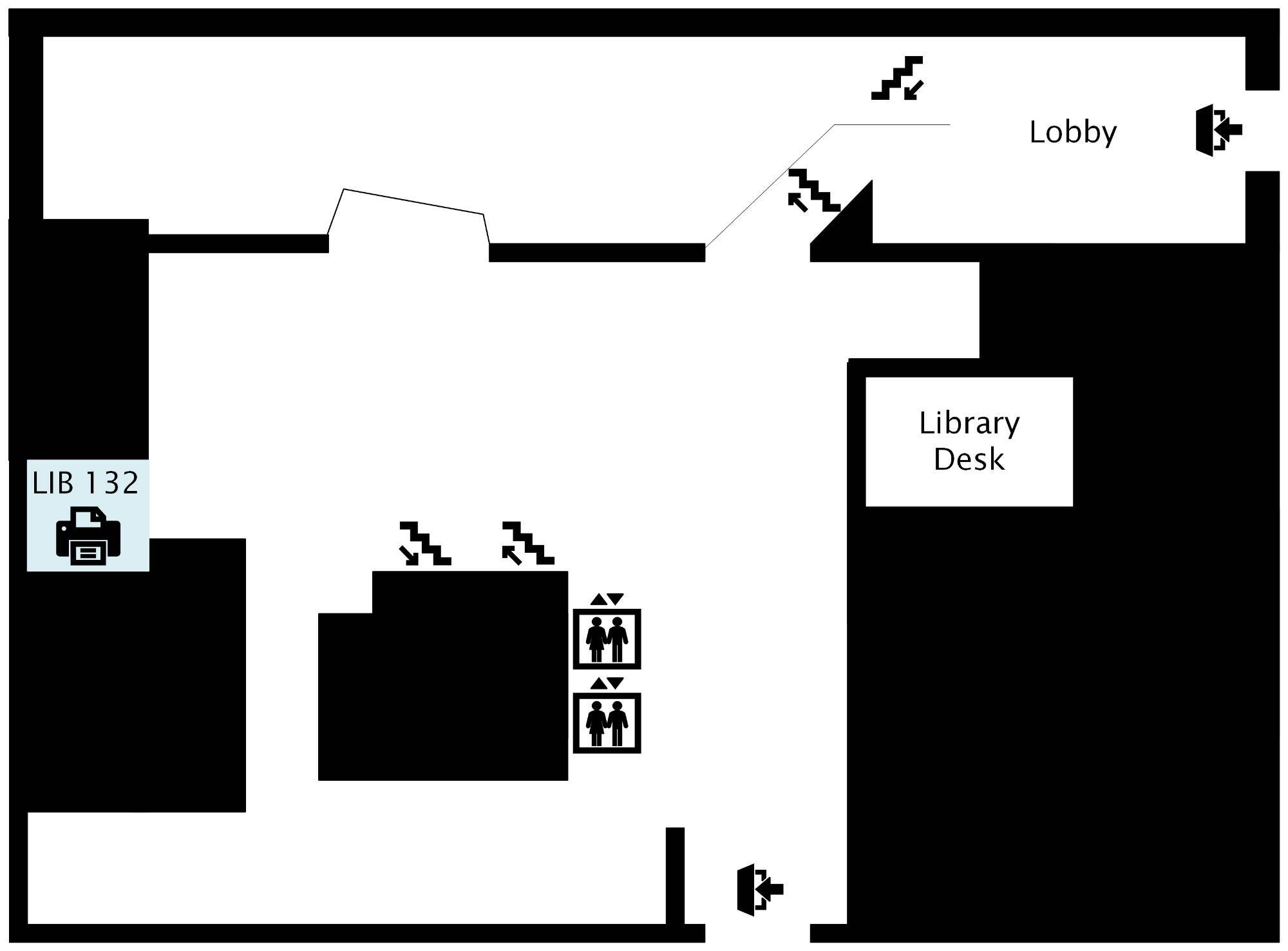
Floor 1

A map of the first floor of Mary Idema Pew Library, indicating a printer with print, copy, and scanning capabilities is available in LIB 132

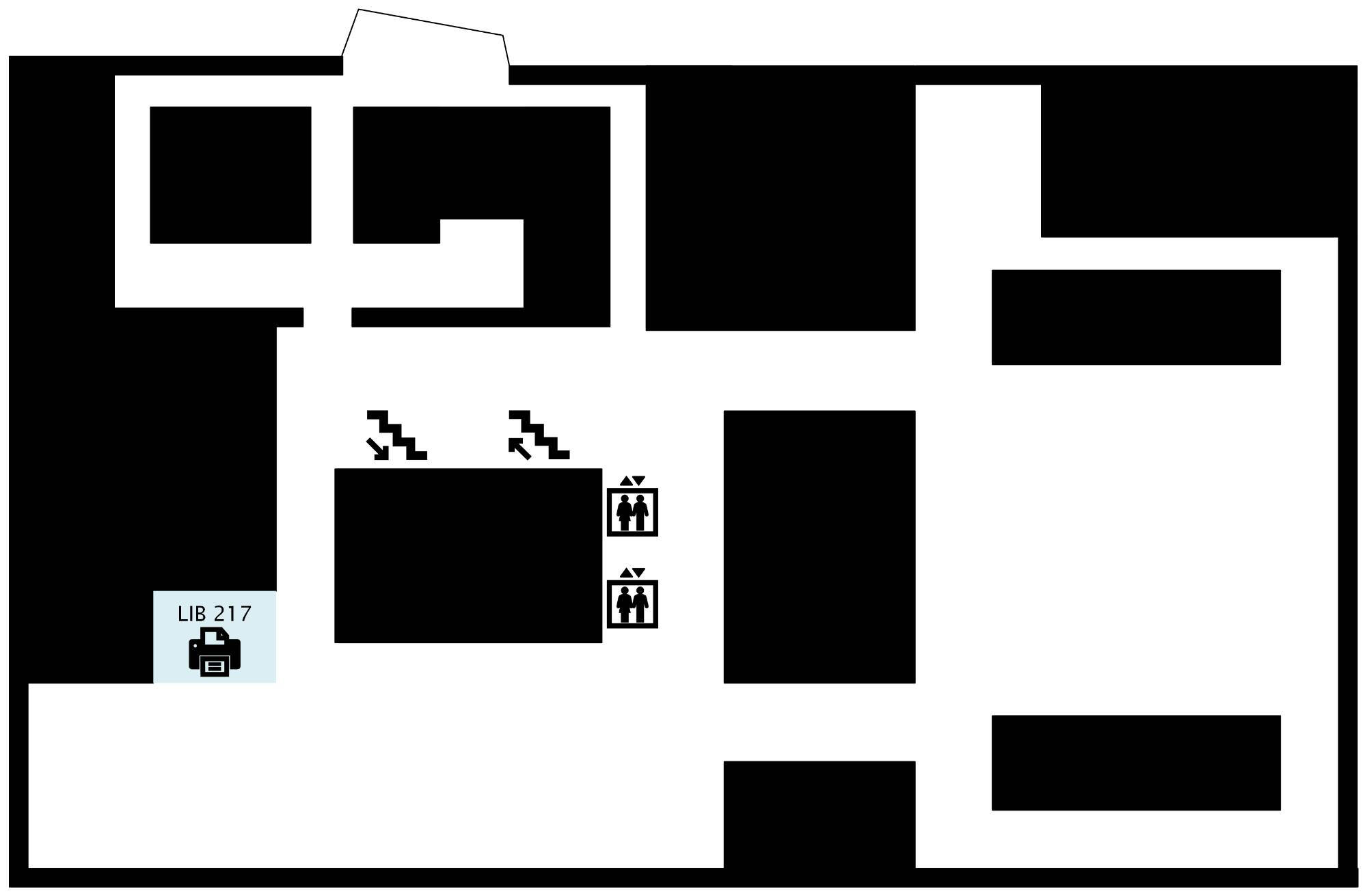
Floor 2

A map of the second floor of Mary Idema Pew Library, indicating a printer with print, copy, and scanning capabilities is available in LIB 217

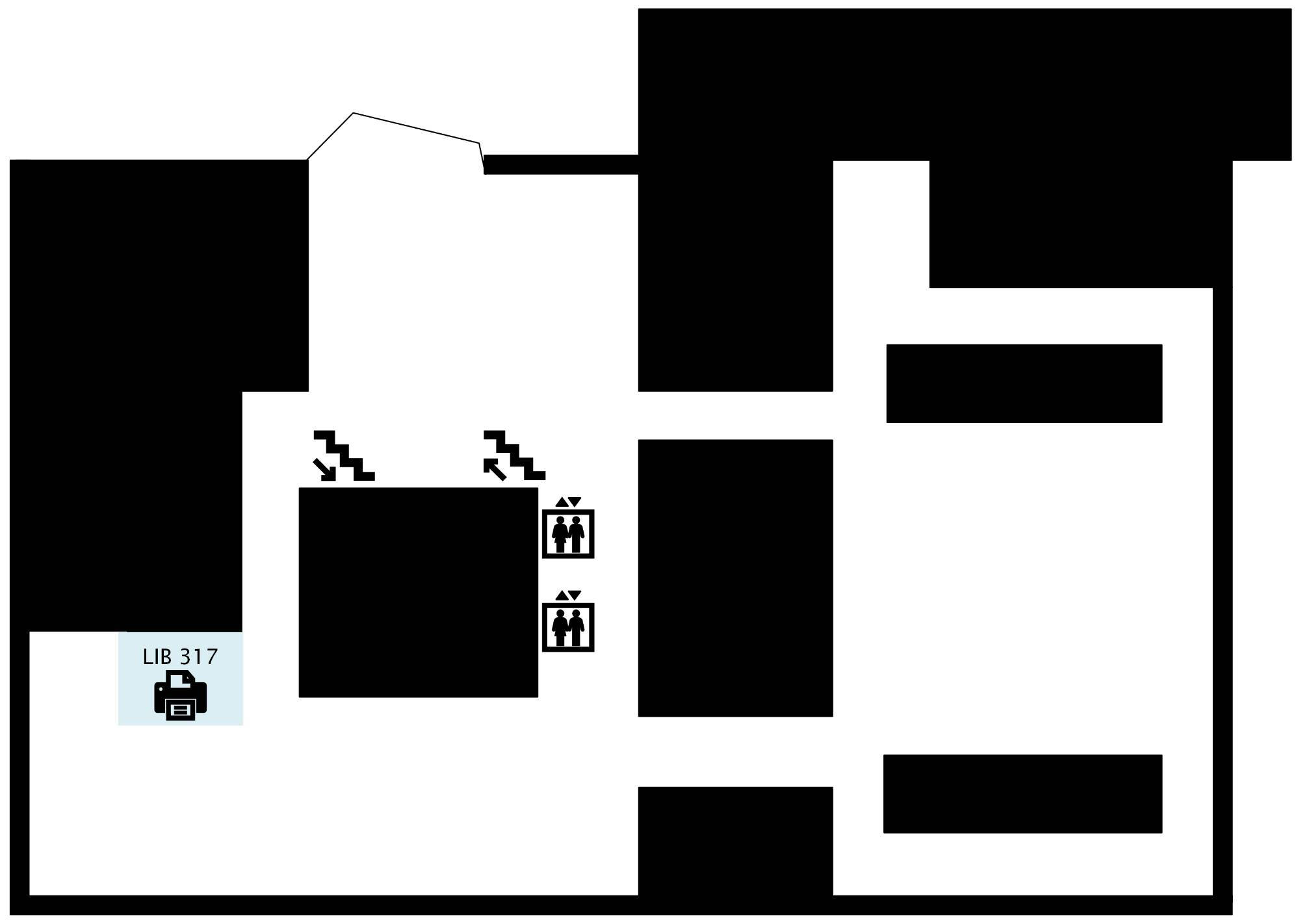
Floor 3

A map of the third floor of Mary Idema Pew Library, indicating a printer with print, copy, and scanning capabilities is available in LIB 317

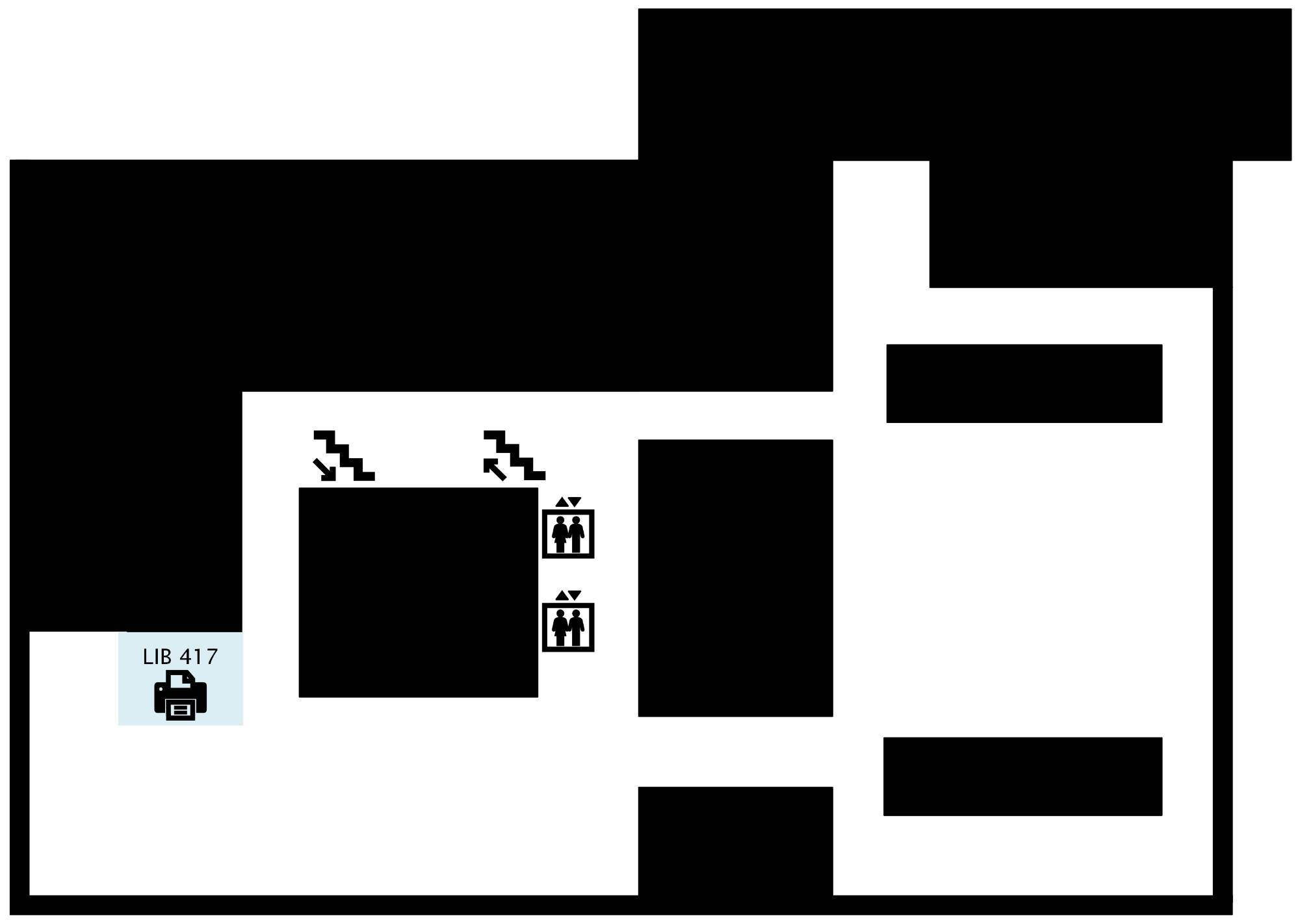
Floor 4

A map of the fourth floor of Mary Idema Pew Library, indicating a printer with print, copy, and scanning capabilities is available in LIB 417
Page last modified August 21, 2026