

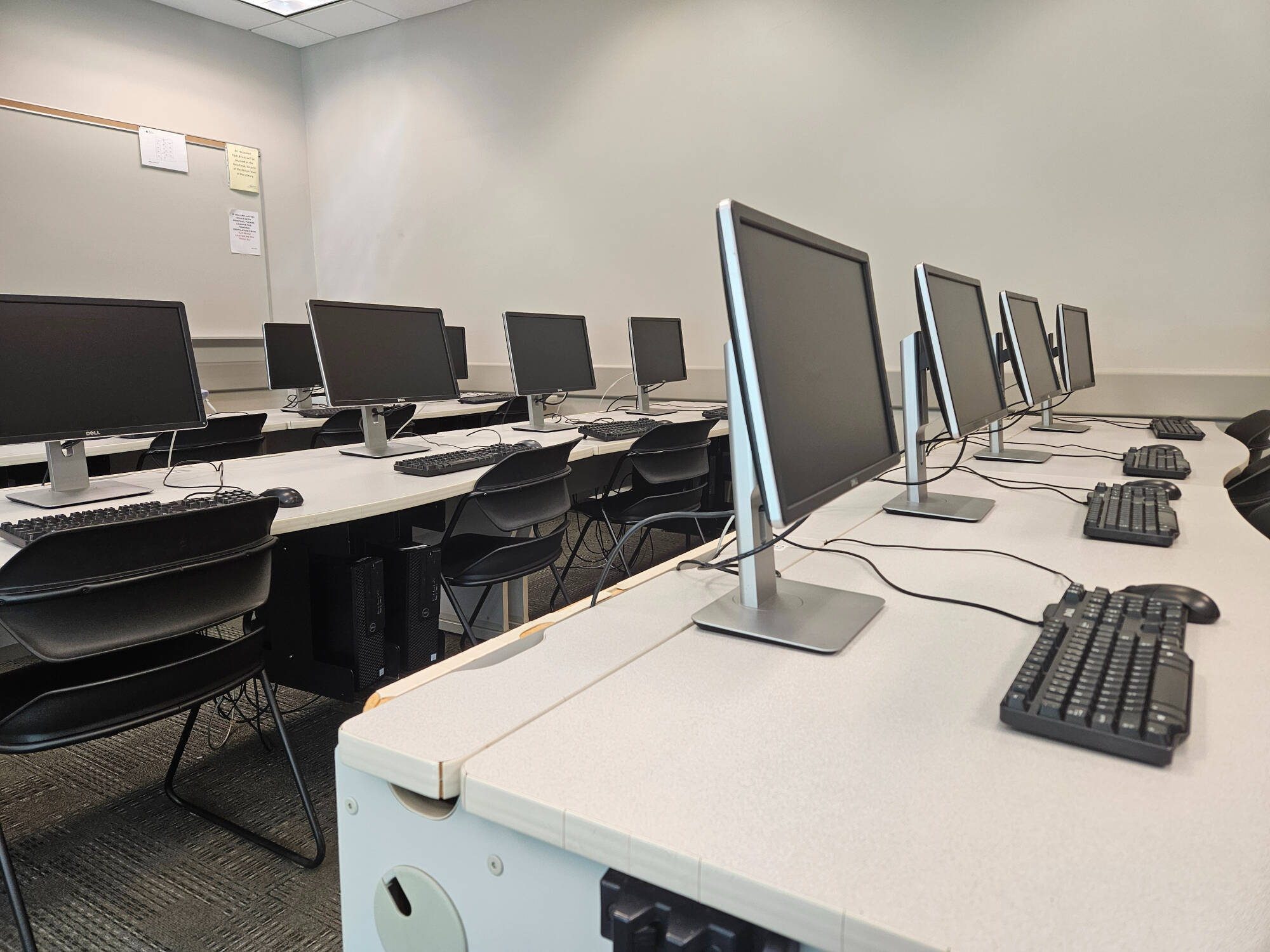
SPSS, SAS, R, & Excel Help

Want to Know When Tutors Are Available to Help With SPSS, SAS, R, or Excel?
Click the button below for our tutor schedule. SPSS, SAS, R, and Excel are at the bottom of the list.
SPSS Help
- This GVSU IT website has direction on how to download SPSS
- A one page SPSS 29 How-To sheet
- Here is a detailed handout on how to do to pretty much anything in SPSS
- More SPSS resources from a GVSU Stats professor


SAS Help
- SAS at GVSU explains ways to access SAS
- SAS OnDemand for Academics (ODA) is a web-based platform for working in SAS and is how most GVSU Statistics instructors will have you use SAS. Here's how to access access SAS ODA and the Course Files:
- Step 1: Registration - sign up for a SAS profile
- Step 2: Enroll - Gain access to instructor-provided files (your instructor must provide a course code)
- A helpful video about the interface used in SAS ODA: Getting Started with SAS Studio
- Another helpful video is Writing a Basic SAS Program
- A detailed handout on how to do pretty much anything in SAS
- SAS Reintro reminds students that have taken STA 216 about SAS basics
R Help
- Cheatsheet gvsu215 has help with R for STA 215 at GV
- General R help
- The Department of Statistics STA 215 resource page (the RServer videos are especially helpful)


Excel Help
- Excel manual for STA 225
- Videos made by a GV STA prof demonstrating how to use Excel to perform statistical analysis
STA 215 Resources

STA 215 Resources!
Video Resources
Statistics Video Resource!
Calculator Help

Statistics Calculator Help!
Marcia Frobish
Math and Stats Tutoring Center Director
[email protected]
(616) 331-8690
Page last modified October 12, 2026