

Math Calculator Help

Desmos
Click the Desmos logo to the right to access the app!
Here are some helpful Desmos resources:
- Desmos Quick Start guide
- User Guide for Desmos
- YouTube playlist from Learn Desmos

Intro to Desmos

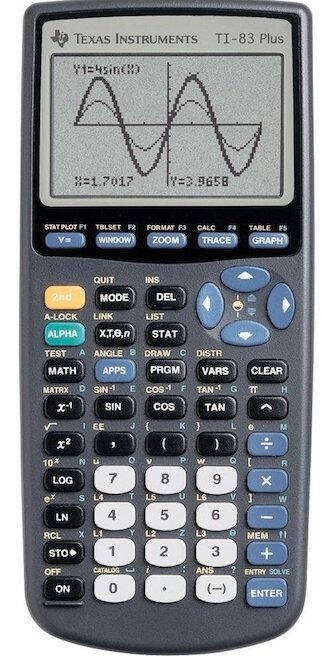
TI Graphing Calculator Help
- Visit the TI website
- Guidebook for the TI-84
- How to do complex numbers on different TI calculators
- Basic regression directions
- How to do regression with multiple lists
- If your TI-84 will only graph one function at a time, go to APPS, Transform, Uninstall.
- If you are missing a list, such as L1 or L2, go to STAT, EDIT, 5:SetUpEditor.
- If you would like to see the correlation coefficient (R value) for a regression, go to your catalog (2nd 0) and scroll down until you see DiagnosticsOn. Select it, then push Enter.
- If you get an Invalid Dim error or a Dim Mismatch error, either double check your data entry in your Stat Lists or turn your Plots off.
Online Resources

Click here for Mathematics online and video resources!
Helpful Handouts

Click here for helpful math handouts!
Marcia Frobish
Math and Stats Tutoring Center Director
[email protected]
(616) 331-8690
Page last modified September 28, 2026