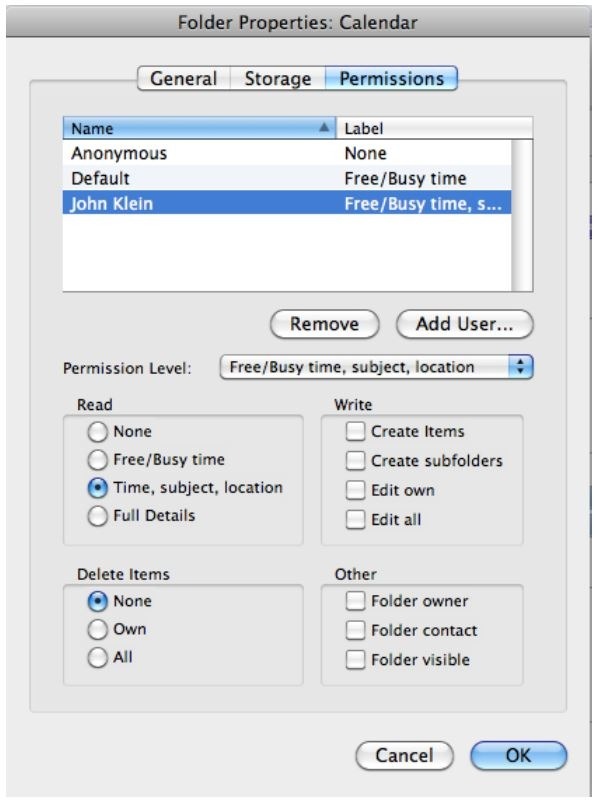
Changing Permissions and Stopping Sharing in Outlook for Mac
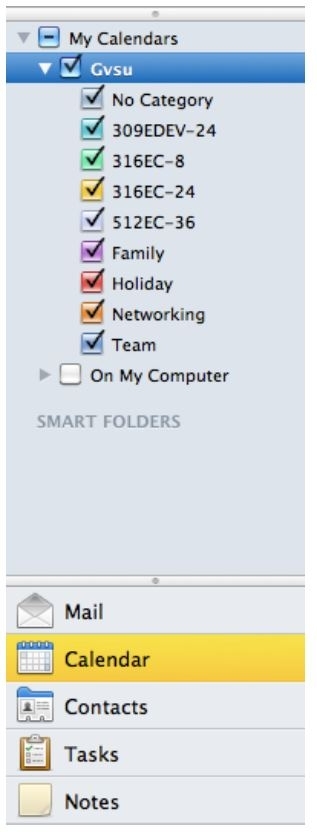
- Click on Calendar in the Navigation Pane. Under My Calendars, click on the calendar that you wish to change sharing.
2. Click on the Permissions button on the ribbon.

3. Select the user you wish to change permissions and select the appropriate level of permission or remove the person. Click OK.