The General Education Program prepares students for informed citizenship, leading to responsible participation in local, national, and global communities.
Ensuring that undergraduate students receive a broad general education has been a primary goal of colleges and universities since their inception. In this era of increasing specialization and growing demand for professional expertise, it is vital that we continue to emphasize the value of general learning. Grand Valley State University maintains that a complete education involves more than preparation for a particular career. A career occurs in the context of a life, and a sound general education helps one "make a life" as well as "make a living." The University, therefore, remains committed to assuring that all undergraduate students, regardless of academic major or intended profession, receive a broad education rooted in the arts and sciences.
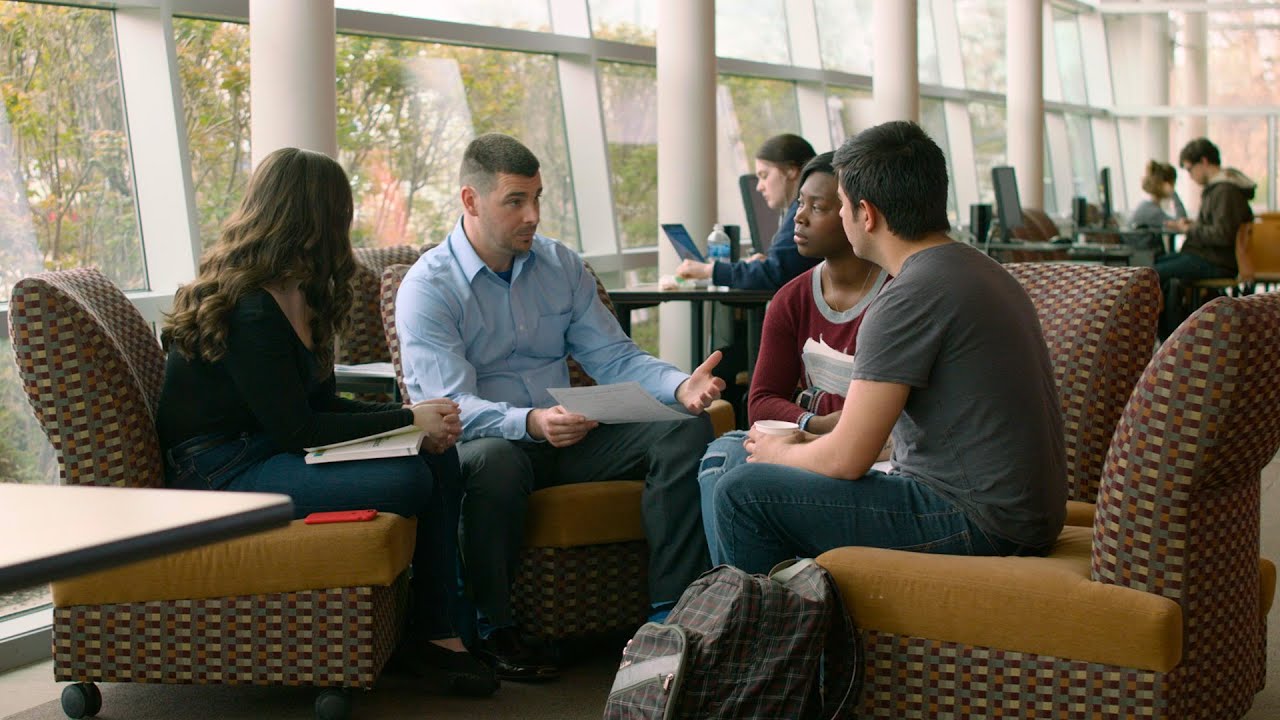
Watch the video to learn more about the General Education program at Grand Valley State University.